Photorealistic AI human generator: Pick a model, then write the person
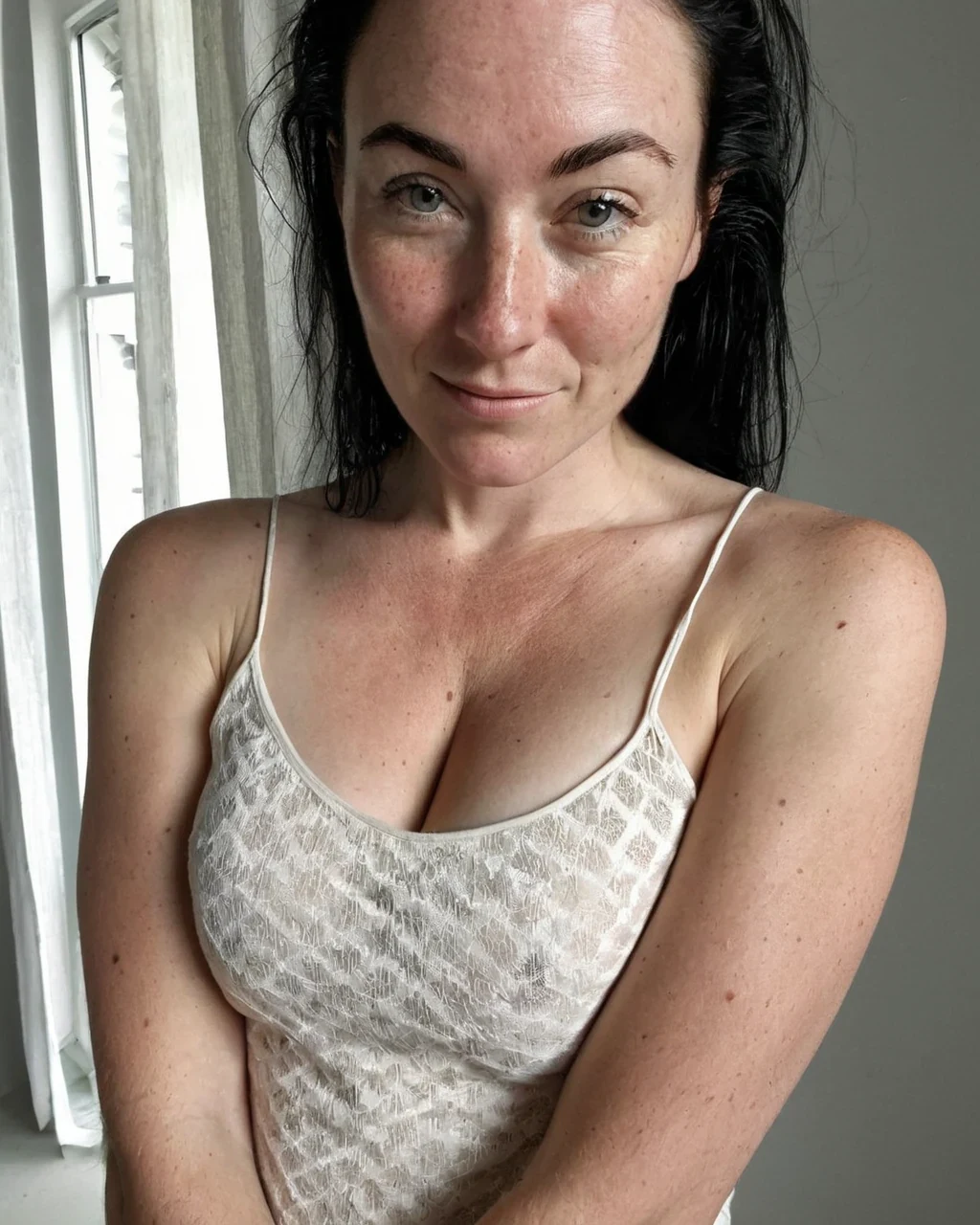
A photorealistic AI generator turns a written brief into original photorealistic art. There is no reference photo and no borrowed character. It runs on the same engine as the AI porn generator. This is the broader way in. It is about picking the right model, the right shape, and the right prompt.
Two models, two jobs
Both draw photorealistic art and both run the same settings, so the choice is temperament rather than time.
- ImageFap AI V1 holds a long brief clause by clause and keeps anatomy together.
- ImageFap AI V2 renders skin, fabric and close directional light with more warmth.
| Model | Steps | Holds | Best for |
|---|---|---|---|
| ImageFap AI V1 | 32 | Structure and adherence | Multi-figure and full-body work |
| ImageFap AI V2 | 32 | Surface and light | Close, fabric-led frames |
Choosing an aspect ratio for the shot
The shape decides what fits in frame. Pick it before you write the scene.
| Ratio | Shape | Use it for |
|---|---|---|
| 4:5 / 2:3 | Portrait | One person, head to thigh |
| 9:16 | Vertical | Full body, mobile campaign, or story crop |
| 1:1 | Square | A tight bust or an avatar |
| 3:2 / 16:9 | Landscape | Two people, copy space, or a wide environment |
From a blank prompt or from a photo
You can start from a written prompt, or from a reference photo you hold the rights to. Each suits a different beginning.
- From a description. Write the character and scene from scratch. This gives the most control.
Worked example: a cinematic street portrait
| Model | ImageFap AI V1, then audition on ImageFap AI V2 |
|---|---|
| Image size | Portrait 2:3 - 896×1344 |
| Cost | 1 credit per render |
The exact instruction
an original photorealistic heroine, 28, auburn hair in a low ponytail, warm brown eyes, freckles, oversized wool coat over a slip dress, rain-lit city street at night, neon sign glow from screen-left, medium shot, cinematic photorealistic image
What comes back
A grounded, filmic portrait. The named light - Neon from one side - Is what stops it looking flat. Render it on ImageFap AI V1, then run the same prompt and seed on ImageFap AI V2 to see what the warmer surface does to the coat and the rain.
Photorealistic AI human generator: common questions
Which model should I pick?
ImageFap AI V1 for structure and multi-figure work, ImageFap AI V2 when the frame turns on skin and fabric. You can switch per image in the studio.
What resolution do images come out at?
Between 512 and 1536 px on each side. The aspect ratio sets it. Portrait 4:5 renders at 1024×1280. Sizes snap to 16-px steps.
Can it make adult art too?
Yes. The same generator handles the adult register on the AI porn generator. Every character is a consenting adult.
Do I have to upload anything?
No. Everything comes from your words. Uploading is only for the editing tools, like the Scene Changer.
Where to go next
From here, creators go to open the studio, the AI porn generator, compare the models and focused generators.