AI lingerie model generator: Garments for catalogue and campaign
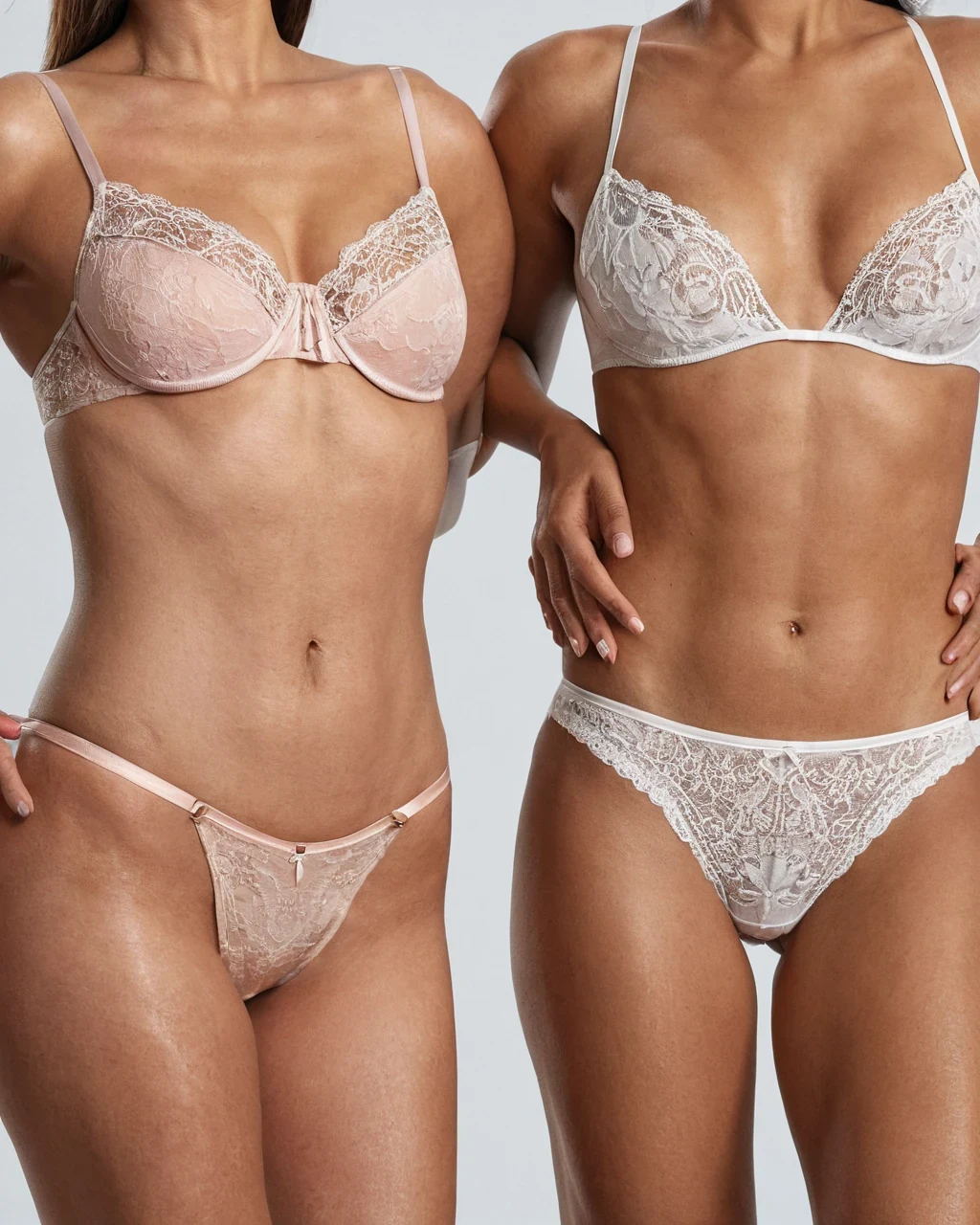
An AI lingerie campaign fails when the garment is described only as sexy. Name the product: Silhouette, cups, straps, fastenings, trim, fabric, color, and fit. Then choose whether the image is a clean catalog frame or an atmospheric campaign photograph. Build a first draft in the studio, then test one change at a time. Small tests show what each word does.
Describe the garment like a designer
Construction vocabulary gives the model something visible to solve.
- Name bra shape and waistband rise.
- State strap count, closures, seams, and lace placement.
- Choose one main fabric and one trim material.
Catalog and campaign are different jobs
A catalog image explains fit; a campaign image sells a mood.
Catalog
Neutral background, even light, full garment visible.
Campaign
Narrative set, selective light, more expressive crop.
Detail
Close view of texture, trim, or closure.
Build inclusive sets
Use a consistent garment brief across adult ages, skin tones, and body types. Diverse Models covers representation without tokenism.
Before you publish lingerie
Run the production review checklist over the set before you publish. Then read the stock metadata guide.
- Seams, straps and closures exist and go where they should.
- Lace has a repeating structure, not a smear of texture.
- The garment fits the body rather than being painted onto it.
AI lingerie model generator: common questions
How do I keep straps accurate?
Name their number, width, attachment, and path across the body.
Can I create product-style images?
Yes. Use neutral set, catalog posture, even light, and full garment visibility.
Can subjects have different body types?
Yes; describe body shape neutrally and keep garment construction constant.
Where to go next
Creators working in this genre also reach for inclusive casting, campaign polish, wardrobe edits, boudoir and adult women.