Pose Studio: A photorealistic pose generator
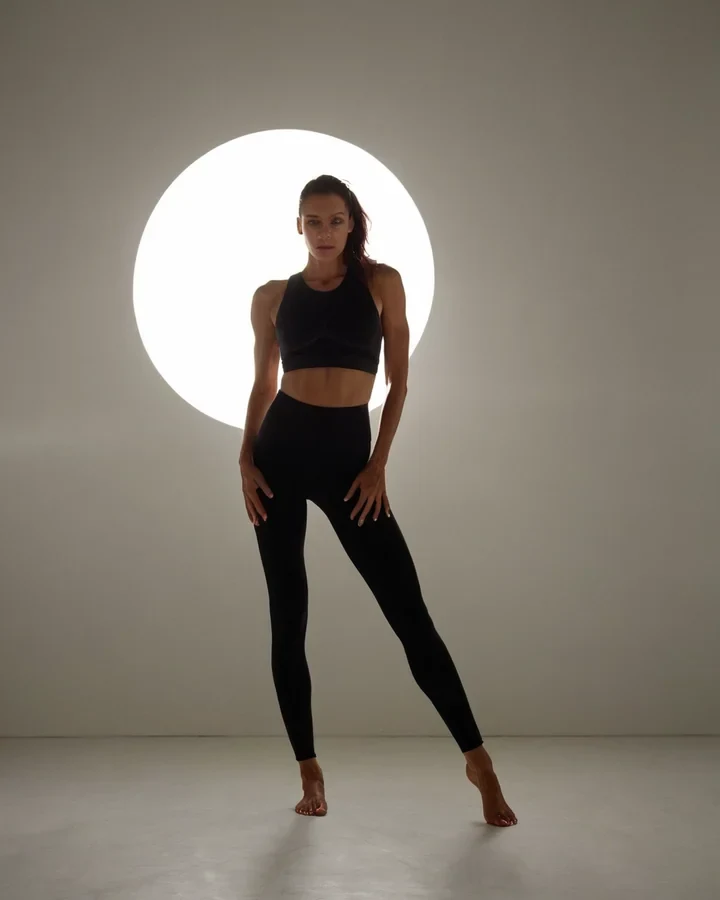
Amateur direction lists body parts. A photographer says where the weight is and where the camera is, and the rest follows. Get those two right and a pose reads as a person standing; get them wrong and no amount of detail rescues it. Start in the studio.
Weight is what sells it
A figure with no stated weight stands like a shop dummy, evenly balanced and dead.
- Name the leg - "weight on her left leg, right hip raised".
- Give a contact point - A hand on a door frame, a hip against a counter.
- Break the symmetry - Shoulders turned away, head turned back.
The camera is half the pose
The same pose photographed from three heights is three different pictures, so decide them together.
| Camera | What it says |
|---|---|
| Low, looking up | Power, stature |
| Eye level | Neutral, intimate, documentary |
| High, looking down | Vulnerability, isolation |
| Over the shoulder | The viewer is in the room |
Hands, and where to put them
Hands are the least reliable thing these checkpoints draw. The fix is composition, not negative prompts.
- Give each hand a job - In a pocket, holding a rail, resting on her own thigh.
- Occluded or out of frame beats floating in space every time.
- Excluding "bad hands" helps a little; placing them helps far more.
Poses with weight and camera directed
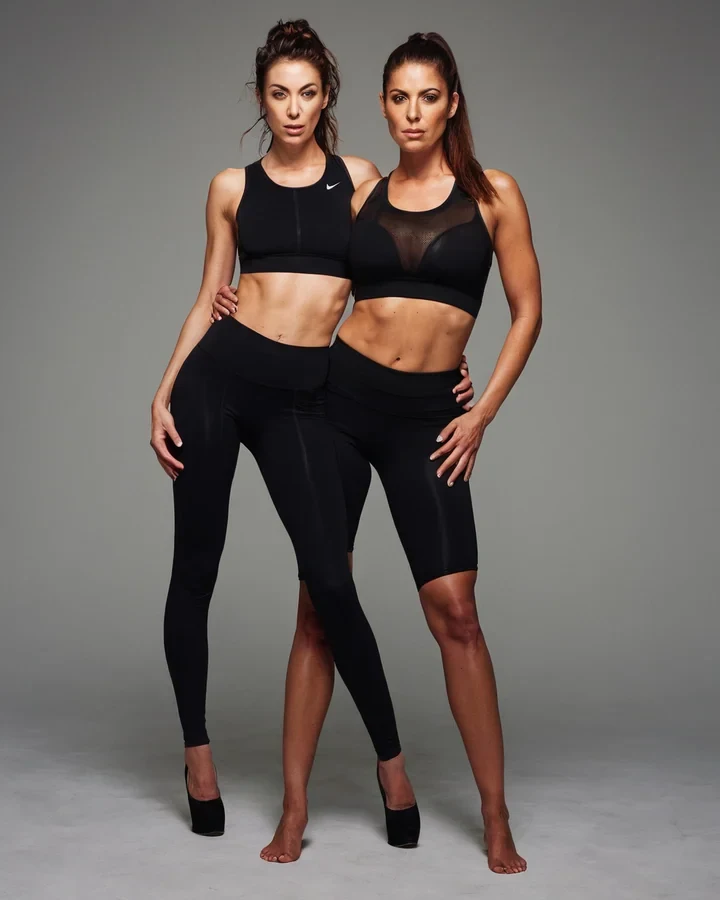
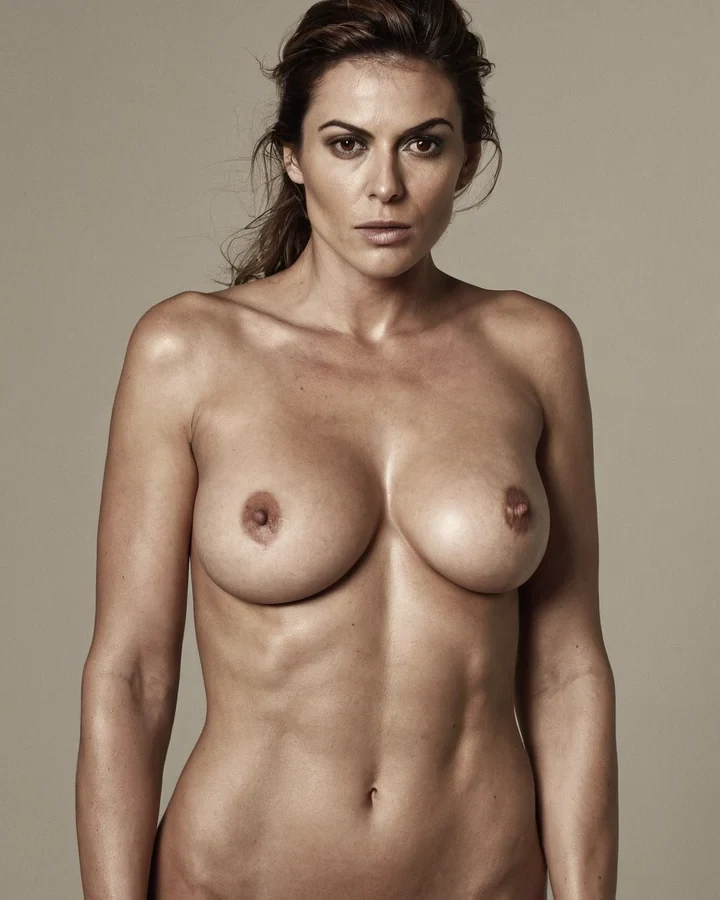
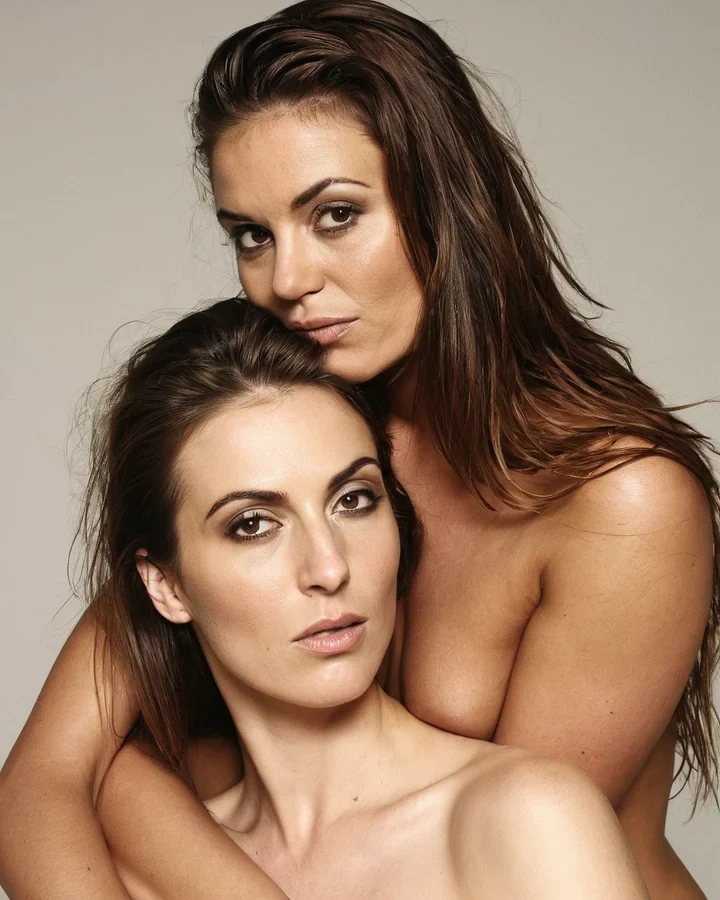
Example results in the style this tool produces, not a single verified before-and-after run.
Worked example: a weighted standing pose that does not read as stiff
| Composition | Story ratio, 768x1344 |
|---|---|
| Model | ImageFap AI V1 |
| Camera | Low angle, full shot |
| Cost | 5 credits |
The exact instruction
adult woman age 30+, weight on her left leg, right hip raised, left hand resting on a door frame, shoulders turned away from camera, head turned back, low angle full shot
What comes back
Naming the weight-bearing leg makes the hip, shoulder line and head angle resolve together. The hand on the door frame is a contact point, which anchors the figure and hides the hardest thing to draw.
When it goes wrong
| What you see | Why | What to change |
|---|---|---|
| The pose looks stiff | Weight is even on both feet | Say which leg carries the weight |
| Hands are malformed | Open, splayed hands are the hardest case | Give the hands something to rest on or occlude them |
| The pose is right but dull | Camera is at default eye level | Try low or high angle - See camera angles |
A photorealistic pose generator: common questions
Can I keep the same model while changing the pose?
Hold the seed and lead with the same identity anchors - See holding one model. A new pose is a new render, so some drift is normal.
Why do the hands come out wrong?
Because they were given nothing to do. A hand resting on something renders far more reliably than a hand in mid-air, whatever the negative prompt says.
Which camera angle should I default to?
Eye level at 85mm for a portrait, 50mm at eye level for two people. Pick a different one only when you want what it says.
How detailed should the pose brief be?
One weight statement, one contact point, one camera line. Past that you spend attention the identity needs.
Where to go next
This tool is usually used alongside the camera guide, adjust the face, define the character first and erotic portrait work.