Background Remover: Remove a background from photorealistic art
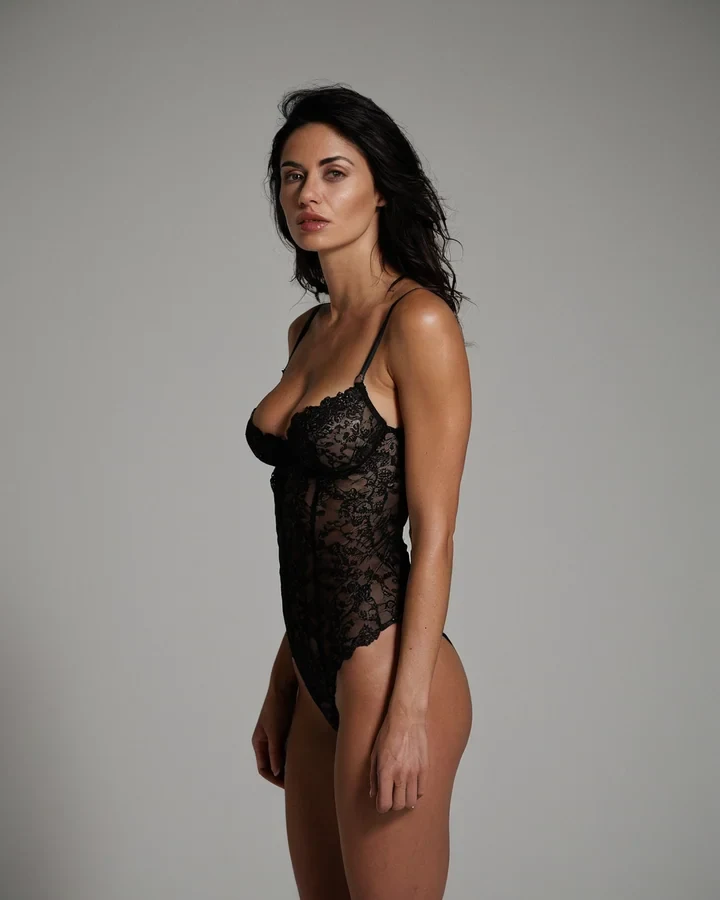
Most tools here send your photograph to a model. This one does not - It cuts on shape and contrast, which makes it cheap and immediate, and also means it is judging edges rather than understanding the picture. That trade decides what it is good at. Finish the frame in the studio first.
No model, and why that matters
The cut is arithmetic on edges rather than a render, which is what makes it cheap, immediate and repeatable.
- One credit, not five, because no model runs.
- No outside model provider sees the image: the cut happens on our own server.
- Returns immediately rather than queueing behind a render.
Where edges get hard
It separates on contrast and shape. Where those are ambiguous, so is the cut.
| Subject edge | Cut quality |
|---|---|
| Body against a plain ground | Perfect |
| Solid wardrobe, clear outline | Excellent |
| Loose hair against a busy ground | Fringing |
| Lace, mesh, sheer fabric | Partial - Semi-transparency confuses it |
| Motion blur at the edge | Poor |
What to do with the cut-out
A transparent PNG is a starting point for layout, not a finished licence.
- Composite it over a flat brand colour for a campaign frame.
- If you want a photographic new location, use the scene tool instead - It relights the subject.
- Keep the original. A cut-out cannot be un-cut.
Before and after, on a real run
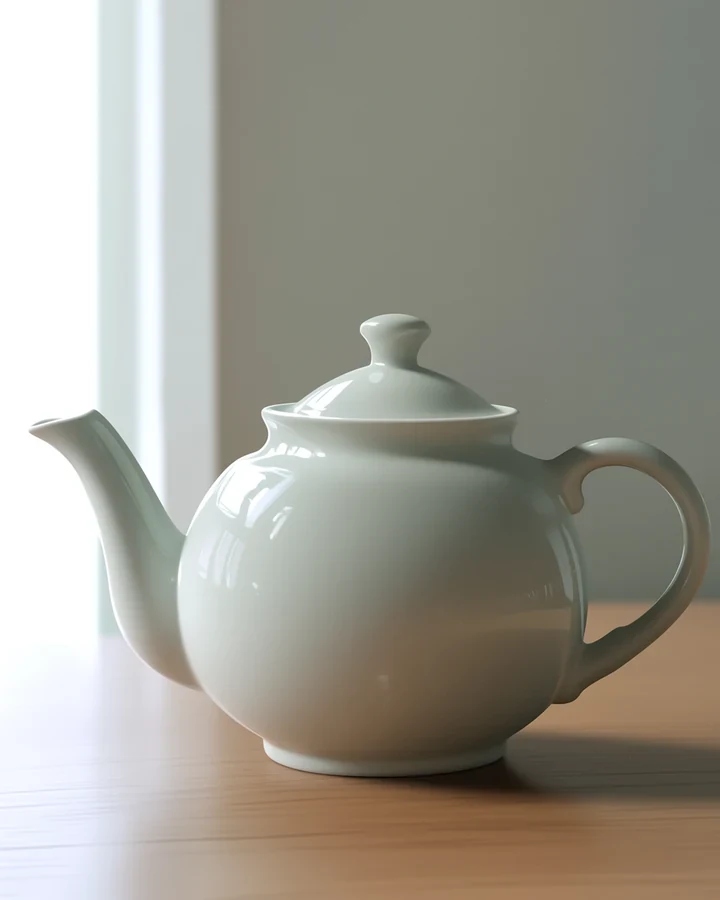
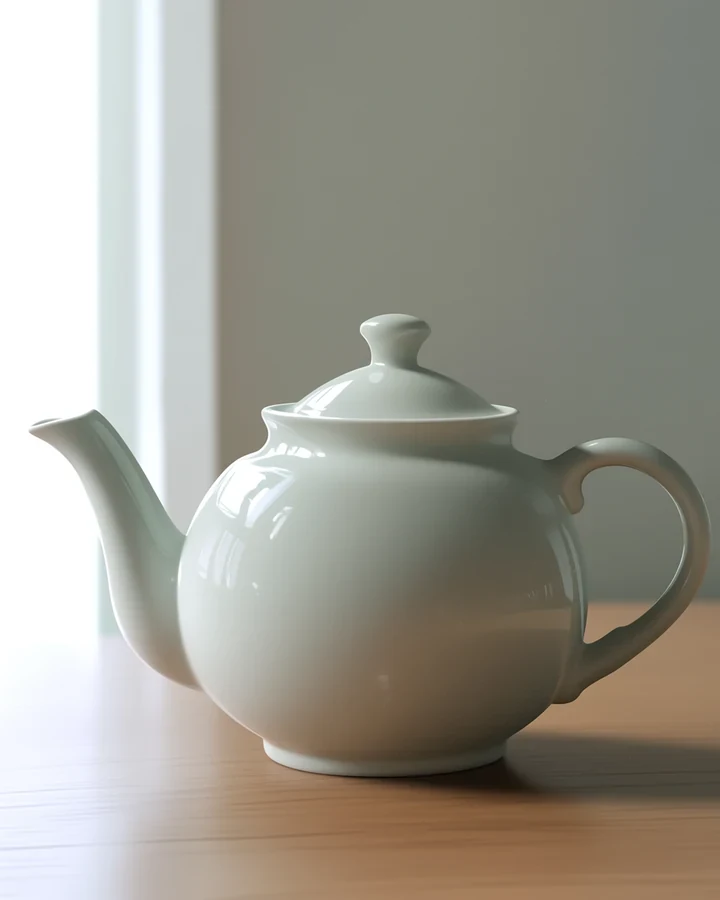
Left: The original image with its background intact. Right: The same image after background removal, on transparency. Captured by running this exact tool on the image on the left. Drag the handle to compare. Fine edges are where any cut-out struggles - Look at them closely.
Worked example: a transparent cut-out for a cover composite
| Runs on | Our server, no model |
|---|---|
| Cost | 1 credit |
| Output | PNG with alpha |
| Speed | Immediate, no queue |
The exact instruction
no prompt needed - Load the image and export
What comes back
A transparent PNG you can composite into a cover or a panel. Because no model is involved there is no queue, and it costs one credit instead of five.
When it goes wrong
| What you see | Why | What to change |
|---|---|---|
| Hair edges look chewed | Fine hair is genuinely ambiguous | Generate on a plain background instead |
| Semi-transparent fabric vanished | Alpha cannot represent it cleanly | Composite manually, or reshoot the scene |
| File is enormous | PNG is lossless | Export without alpha if you do not need the transparency |
Remove a background from photorealistic art: common questions
Does background removal cost credits?
One credit, against five for the model-backed tools. No model runs, so there is no render to pay for.
Is my photograph uploaded anywhere?
Yes. The image is sent to our server, cut there, and saved to your private history like every other tool result. No outside model provider receives it, and nothing is published unless you publish it.
What format do I get back?
A PNG with a real alpha channel, at the same dimensions as the source.
Why is the hair edge fringed?
Fine hair against a busy background is the hardest case for an edge-based cut. Re-render against a plainer ground, or use the scene tool instead.
Where to go next
This tool is usually used alongside remove one object instead, replace the background and catalogue lingerie frames.