Adult AI Photo Restyle: A new finish, the same composition
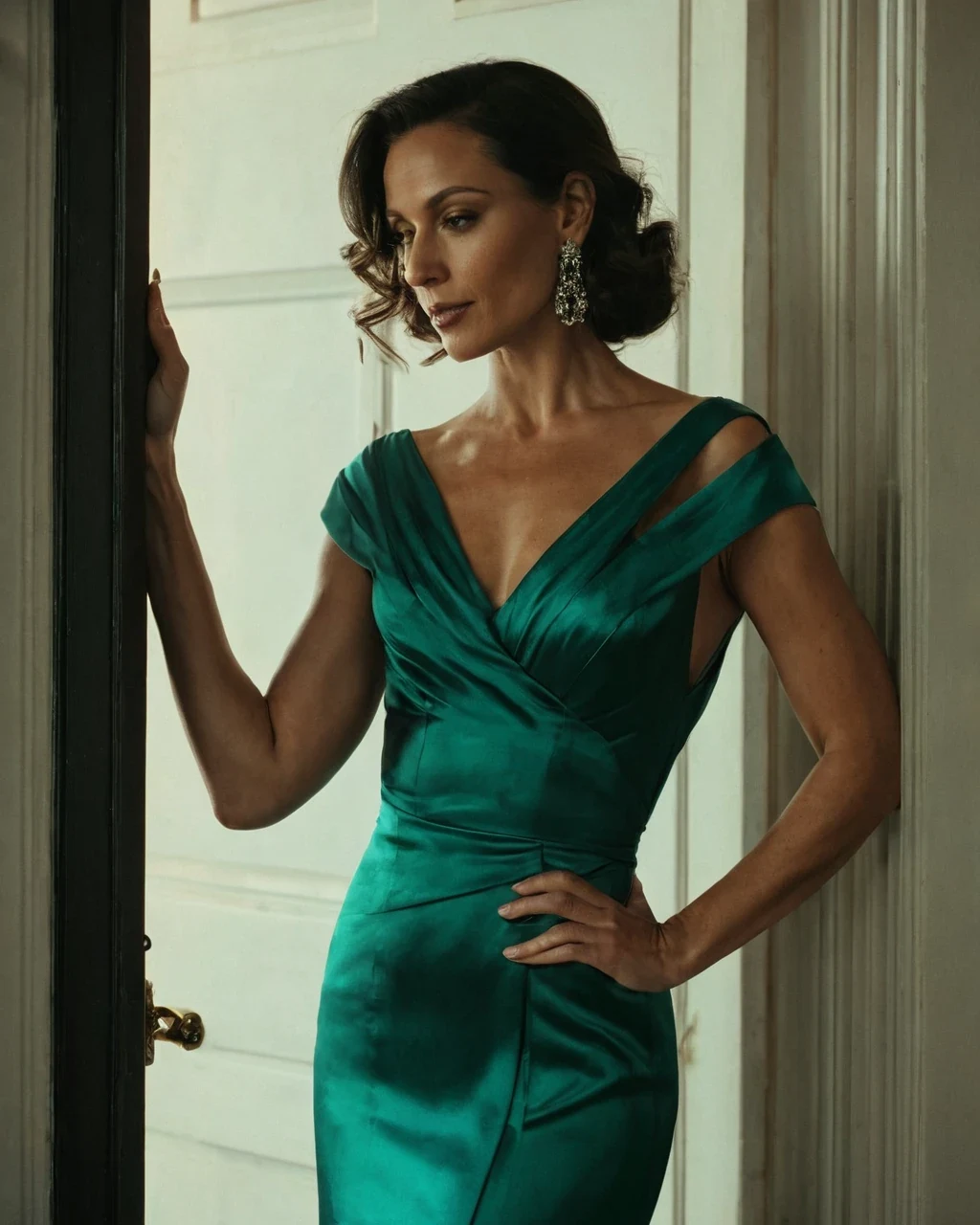
"Make it cinematic" means nothing to a model, because it bundles three decisions into one word. Separate them and each becomes controllable: Where the light is, what the palette does, how much grain sits on top. Change one at a time. Build the frame first in the studio.
Finish is three decisions
Pull them apart and a restyle stops being a lottery.
- Light - Hard or soft, one source or several, where it comes from.
- Palette - Warm against cool, saturated against muted, what the shadows are.
- Grain and sharpness - Clean digital, fine film grain, heavy stock.
| Instead of | Write |
|---|---|
| Cinematic | Single hard key from camera left, deep falloff |
| Moody | Cool shadows, warm practical, low saturation |
| Film look | Fine grain, slightly lifted blacks |
| Editorial | Even soft light, neutral palette, clean |
| Vintage | Warm cast, soft contrast, visible grain |
Restyle late
A restyle touches every pixel, so anything done afterwards fights it.
- Settle casting, pose, wardrobe and crop first.
- Restyle once the content is final.
- Enlarge last with the upscaler.
What it holds
Identity, pose and composition are preserved - That is what separates this from re-rendering with a different brief.
- The face and body stay. A large restyle carries more drift than a small one.
- Wardrobe stays; change it with the outfit tool.
- The room stays; change it with the scene tool.
One composition, three finishes
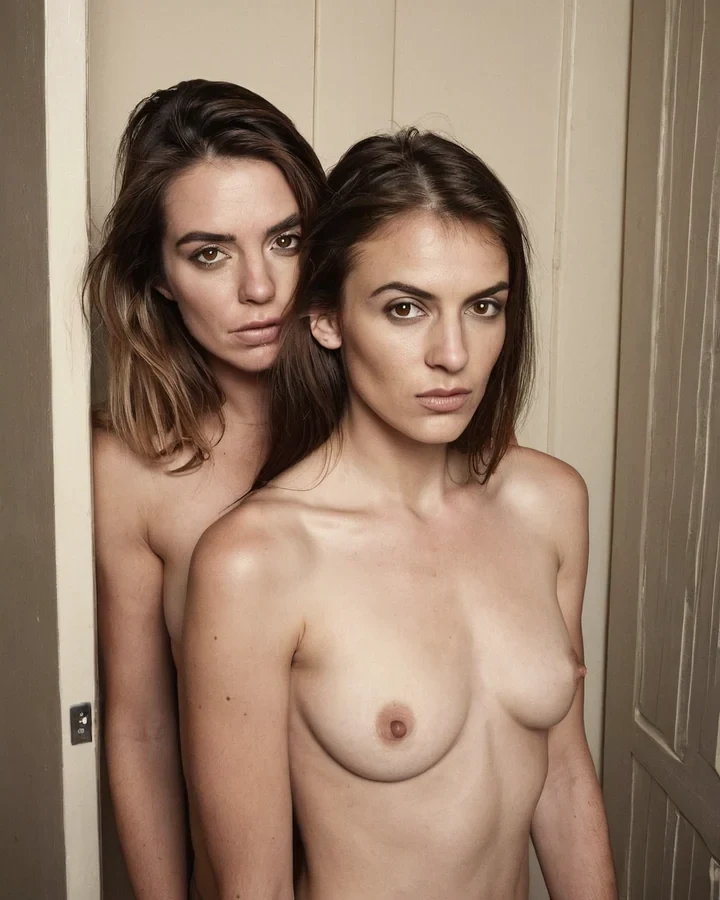
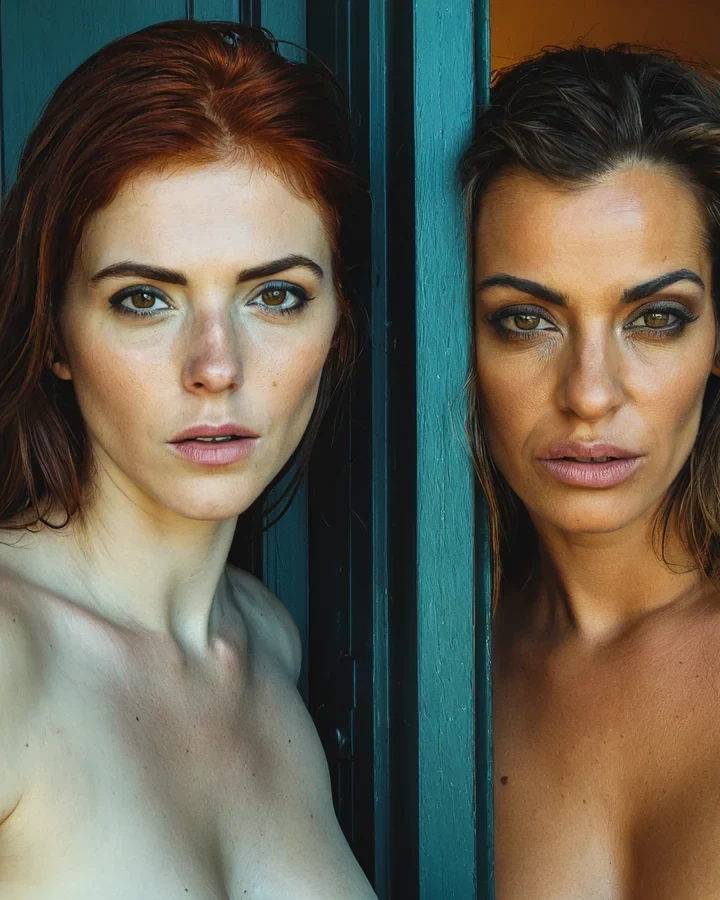
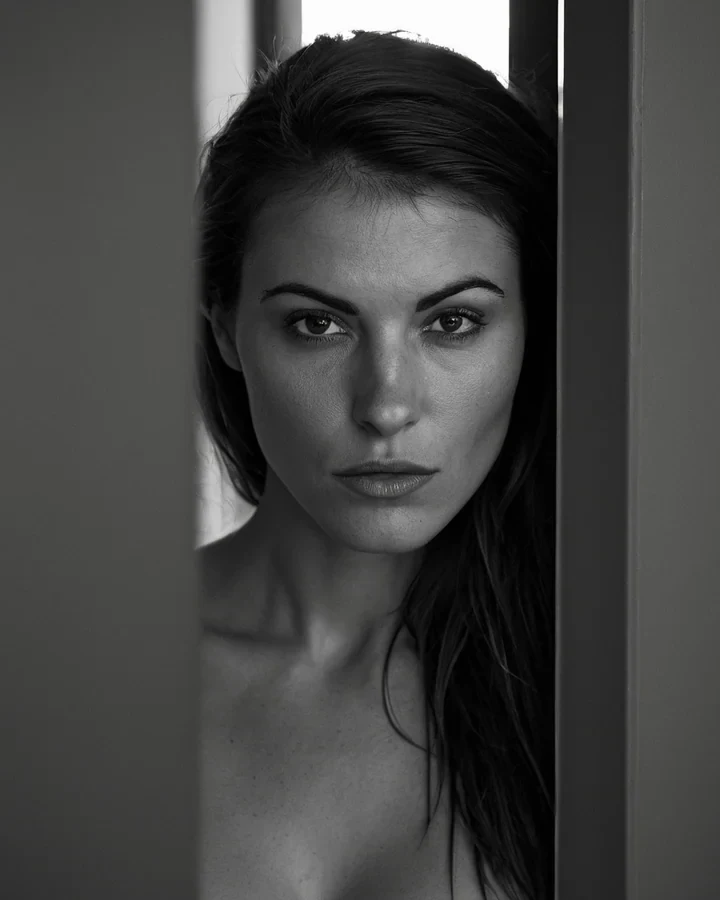
Example results in the style this tool produces, not a single verified before-and-after run.
Worked example: moving a soft image to a hard-lined AI photo finish
| Input | A finished image |
|---|---|
| Preserved | Composition, pose, character |
| Cost | 5 credits |
| Order | Before upscaling |
The exact instruction
restyle to premium AI photograph: Heavier uniform line weight, flat lighting with hard shadow edges, cooler restricted palette, keep the composition and pose exactly
What comes back
Name line weight, shading and palette separately. That gives you control. Ask for 'a different style' and you get an average of everything the model knows.
When it goes wrong
| What you see | Why | What to change |
|---|---|---|
| Barely changed | Asked for a named style, not properties | Name line, shading and palette separately |
| The character shifted | Facial detail moves with style | Expected - Restyle before you commit to a series |
| Wrong tool for a photo | This expects a render from the studio | Start from a generated image rather than a photograph |
Adult AI Photo Restyle: common questions
Will my model stay recognisable through a restyle?
Yes for a change to one of the three layers. Asking for all three at once is where the face starts to move.
Can I restyle a photograph I uploaded?
Yes, provided it is your own work or you hold rights to it. Real-person likeness is refused - See the consent standard.
Why did naming a photographer or film stock not work?
Named styles are unreliable and inconsistent between checkpoints. Describe what the style does - The light, the palette, the grain - And you get it every time.
Should I restyle before or after upscaling?
Before. A restyle after enlargement costs more and holds detail worse.
Where to go next
This tool is usually used alongside colour and palette, model style differences and lesbian couple stock.