Scene Changer: Change the background of a photorealistic AI image
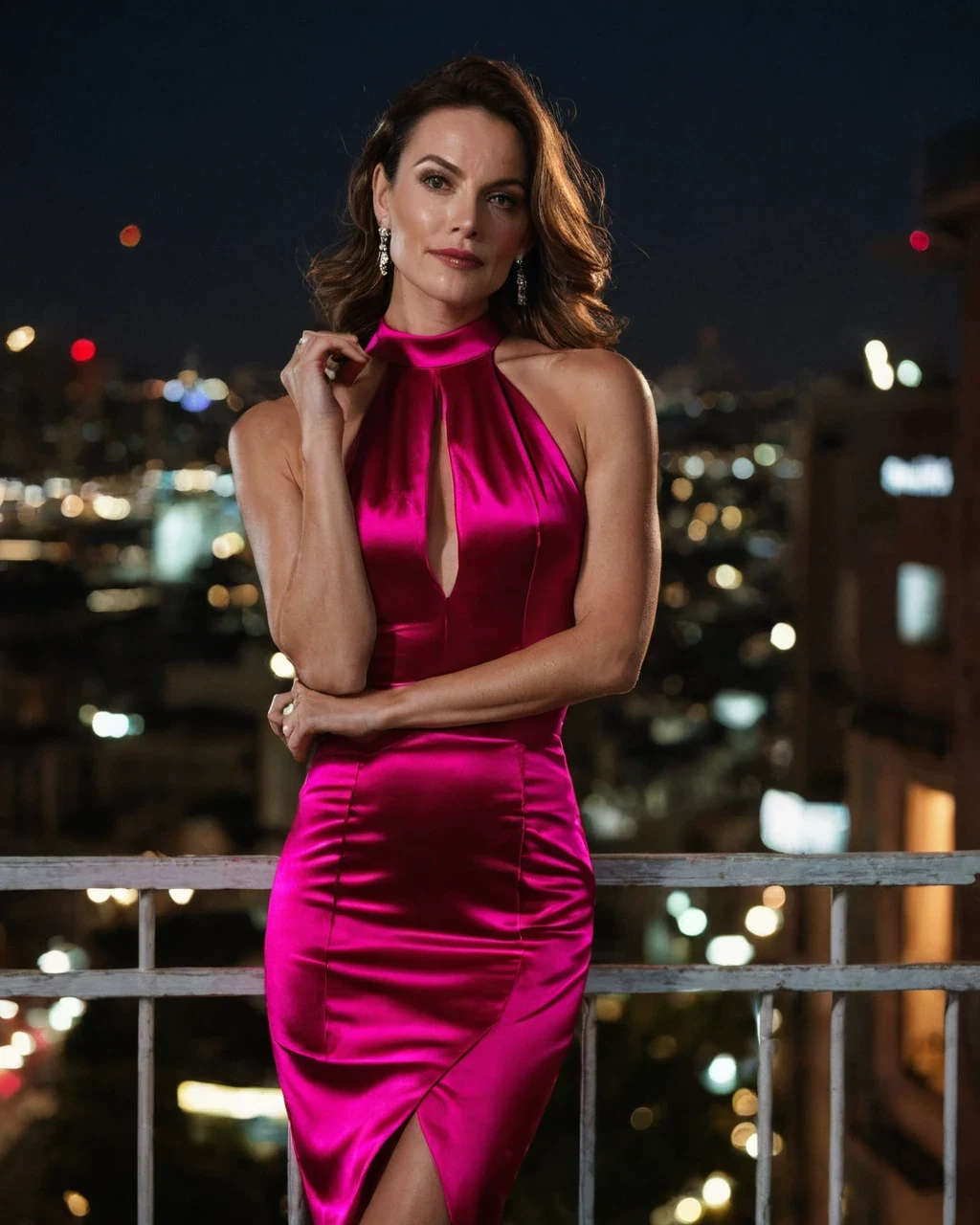
One good casting can shoot in twenty places. That is the whole economics of stock, and it is what this tool is for. The failure is never the room - It is a subject still wearing yesterday's light. Name the new light source and direction every time, then finish in the studio.
The light gives it away
A viewer cannot articulate why a composite looks wrong, but they see it immediately. Nine times in ten it is a lighting mismatch - See colour and light.
- Say where the light is now. "Warm street lamp from camera left" beats any amount of description about the street.
- Match hardness. Soft window light on a subject cannot live in hard midday sun.
- Match colour. A tungsten interior against a blue exterior is a look; a tungsten subject in daylight is a mistake.
Locations that hold up
Backgrounds with depth and a clear light source composite well. Flat, busy or high-contrast ones fight the subject.
| Location | Result |
|---|---|
| Interior with one practical lamp | Excellent, light is easy to match |
| Rain-lit street at night | Very good, strong directional cue |
| Overcast exterior | Good, forgiving flat light |
| Direct midday sun | Hard, needs matching hard shadow on the subject |
| Busy patterned wall | Poor, competes with the subject |
What survives the move
Identity is held deliberately, so a set stays castable across locations.
- Face, hair, body and pose stay. That is the point of using this over a re-render.
- Wardrobe stays. Change it separately with the outfit tool.
- The crop stays. Widen the frame with the canvas expander.
The same character in three settings
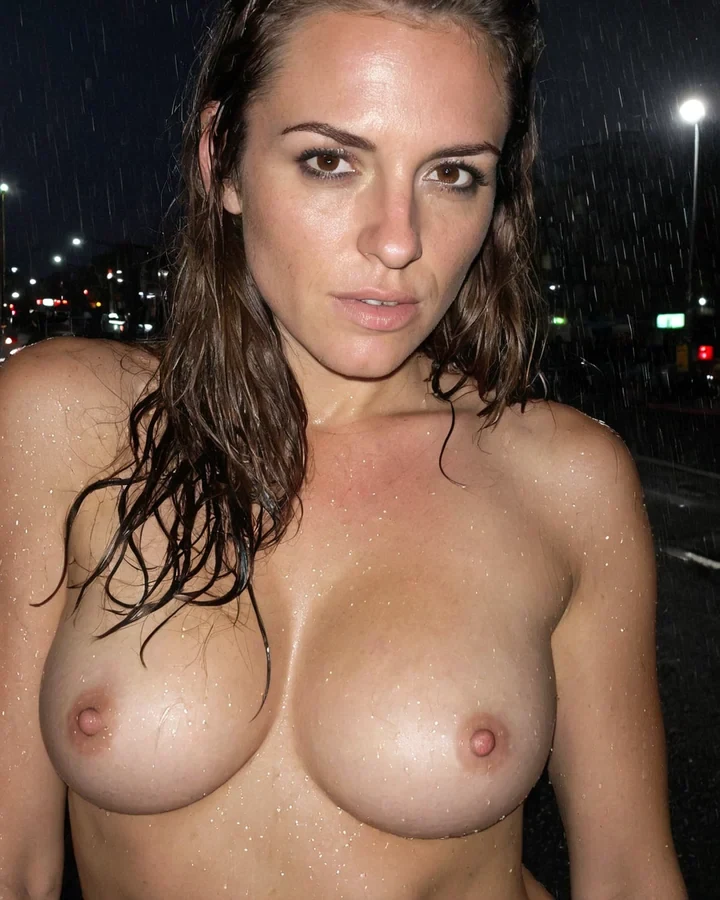
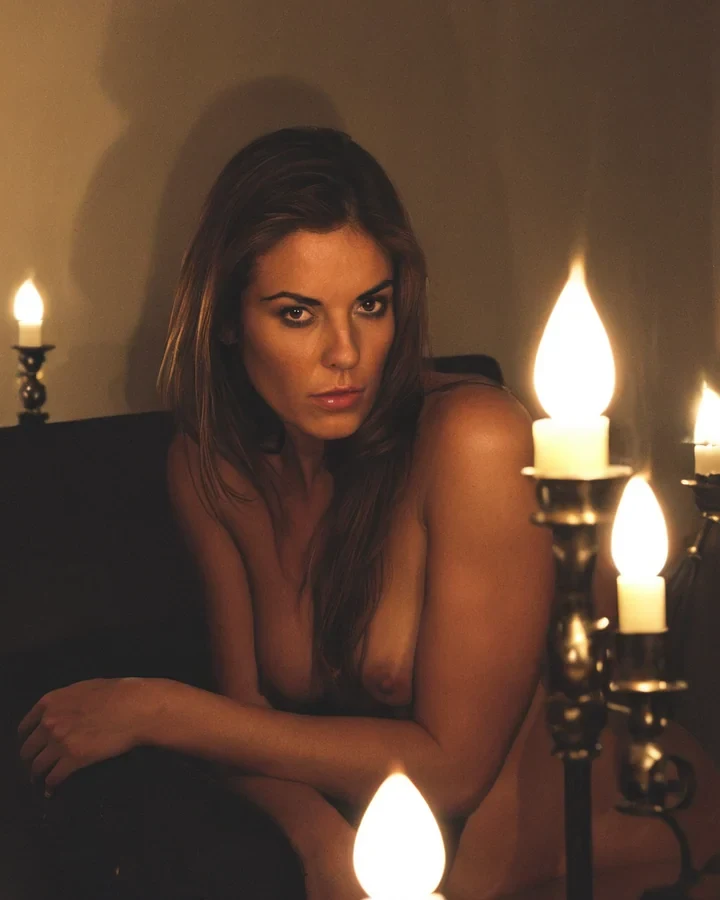
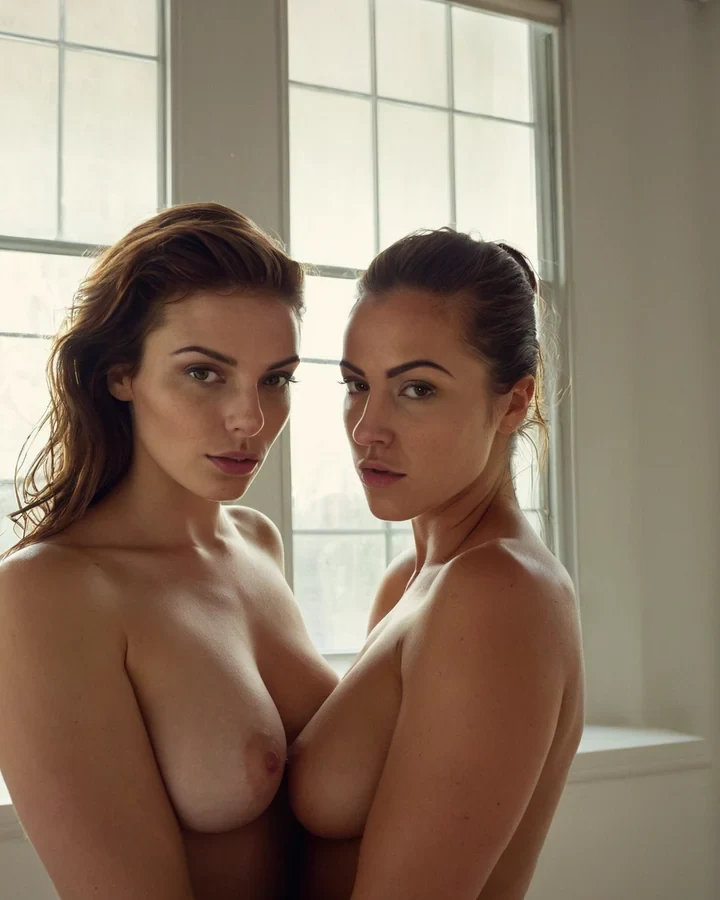
Example results in the style this tool produces, not a single verified before-and-after run.
Worked example: moving a studio portrait to a rain-lit street
| Input | A character you already like |
|---|---|
| Preserved | Face, pose, wardrobe, crop |
| Cost | 5 credits |
| Key detail | Name the new light source |
The exact instruction
place her on a narrow the city street at night, wet asphalt, neon signage from camera-left, relight the subject to match with cool rim light from the left, keep face, pose, outfit and crop unchanged
What comes back
The relight is what sells it. Without naming the direction you get a character lit from the old angle standing in a scene lit from a new one, which reads as wrong before a viewer can say why.
When it goes wrong
| What you see | Why | What to change |
|---|---|---|
| Looks pasted on | Lighting was not named | Say where the new light comes from and its colour |
| The face changed | The instruction implied a re-render | Say 'keep face and pose unchanged' explicitly |
| Background is generic | 'A nice background' gives nothing | Name the place, the surface and the light |
Change the background of a photorealistic AI image: common questions
Will changing the background change my model's face?
It should not. Identity, pose and wardrobe are held; only the location behind the subject is replaced. Large lighting changes carry more drift than small ones.
Can I keep the original lighting?
Yes, if the new location plausibly has it. Say so explicitly - "keep the existing warm key from camera left" - Or the model will relight to suit the room.
What makes a good scene description?
One room, one named light source, one direction. Two light sources fight, and a paragraph of scenery spends attention the identity was using.
Why does my composite look pasted on?
Almost always the light. Match direction, hardness and colour temperature to the subject, or say what the new light does to them.
Where to go next
This tool is usually used alongside remove something instead, extend the scene outward, colour and light, boudoir interiors and cut the subject out first.