AI Contact Sheet Maker: Plan the whole shoot as one set
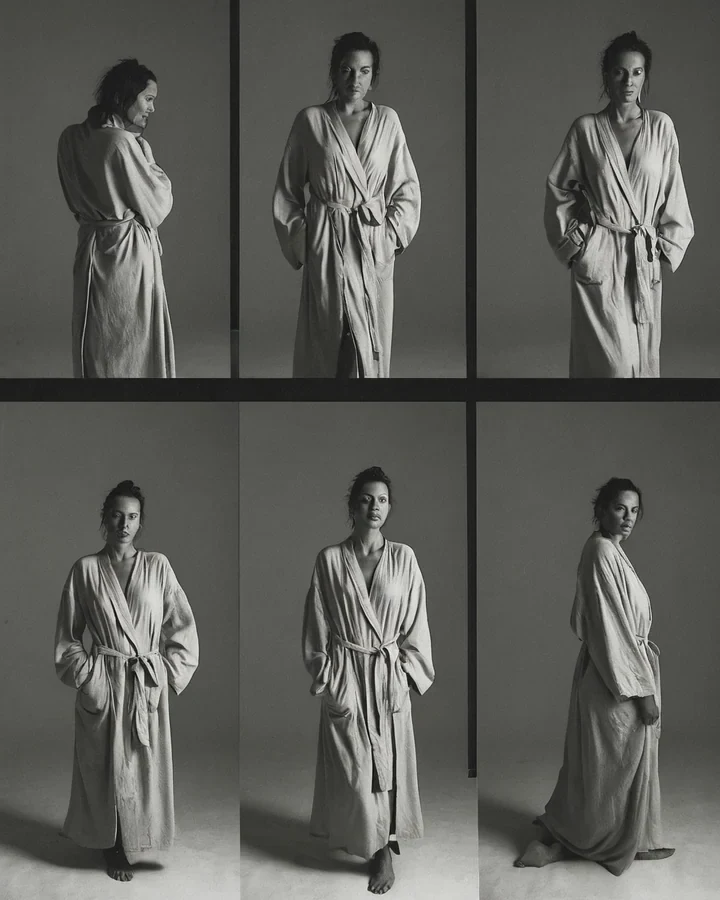
A buyer does not license one photograph, they license the frame that fits their layout. A contact sheet answers that by showing the same casting wide, medium and close. The job here is range, not repetition. Build the casting first in the studio.
Vary the shot size, not the subject
Five frames of the same crop is one photograph printed five times. Change the distance and each frame earns its place.
- One wide establishing frame that shows the room.
- Two or three medium frames - The workhorses of any licence.
- One tight frame for a detail: Hands, fabric, a look.
Space is emphasis
In a laid-out sheet, the frame given the most room reads as the hero. Use that deliberately rather than letting the grid decide.
| Frame | Buyer uses it for |
|---|---|
| Wide establishing | Full-bleed spreads, banners |
| Medium three-quarter | Most editorial placements |
| Close portrait | Headers, avatars, thumbnails |
| Detail crop | Texture callouts, backgrounds behind copy |
Holding the casting across frames
A sheet only works if it is obviously one person. That is the same discipline as any series.
- Lead every frame with the same identity anchors in the same order.
- Change one variable per frame - Distance, or angle, never both.
- Full method in holding one model.
A sequence laid out for scroll
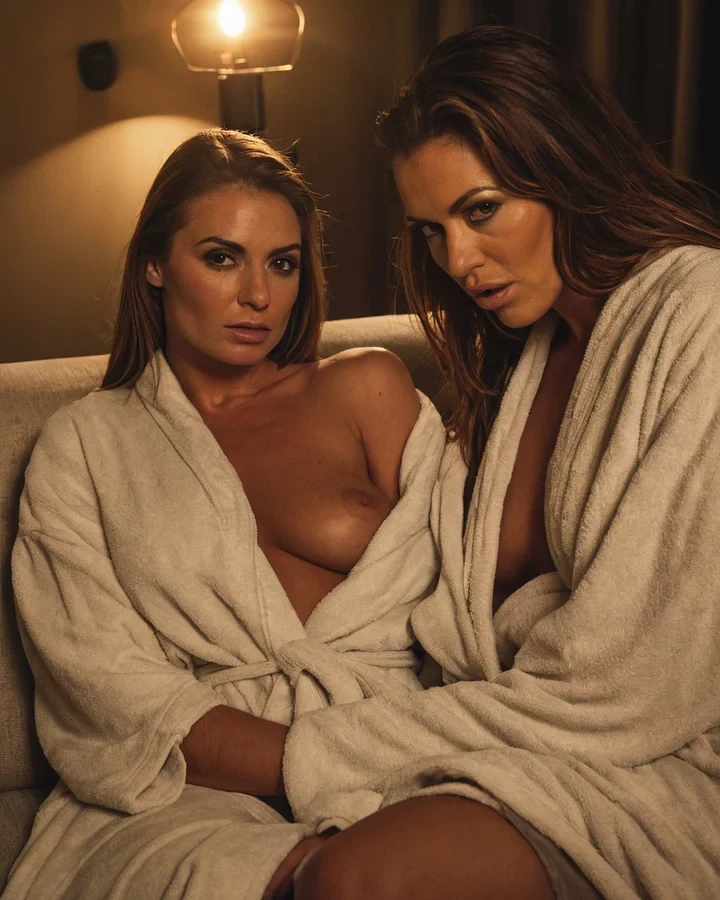
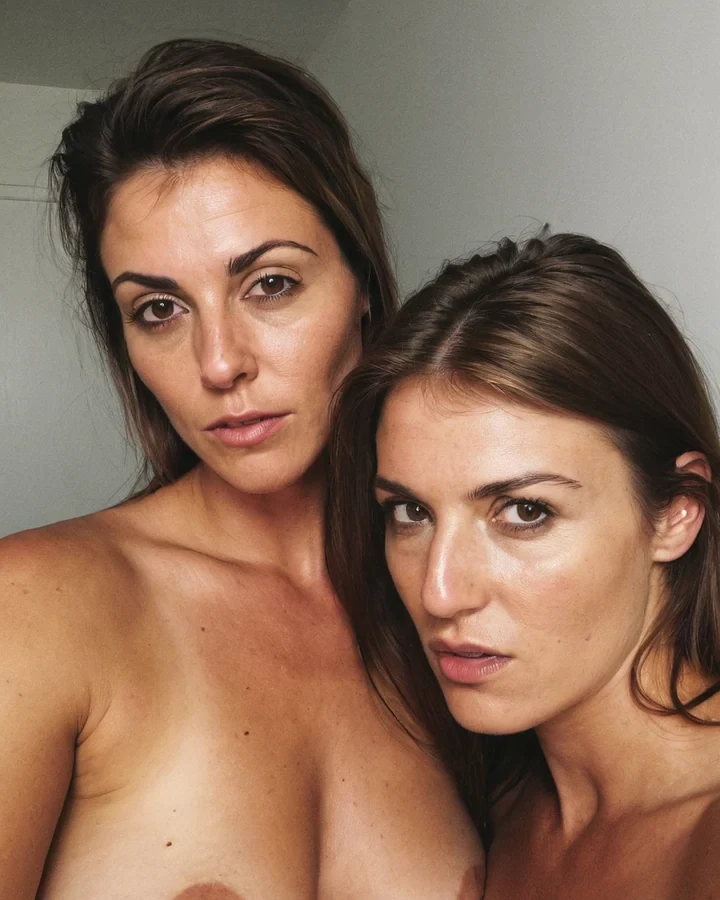
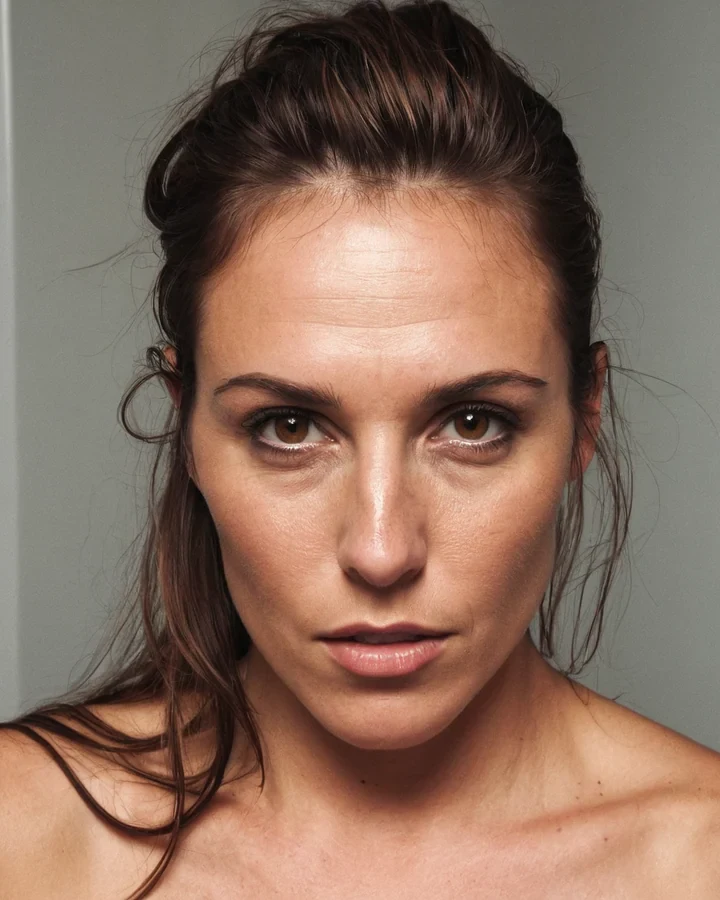
Example results in the style this tool produces, not a single verified before-and-after run.
Worked example: a four-beat confrontation for vertical scroll
| Format | Vertical scroll, phone width |
|---|---|
| Beats | 4 |
| Cost | 5 credits |
| Consistency | One base image plus Expression Lab |
The exact instruction
four stacked panels: Wide establishing shot of the corridor, medium two-shot as she turns, close-up on her eyes, full-width panel of the door closing. wide gap before the final panel
What comes back
The gap before the last panel is the beat. On a phone the reader has to scroll to reach it, which is the closest a vertical comic gets to a page turn.
When it goes wrong
| What you see | Why | What to change |
|---|---|---|
| The sequence feels monotonous | Every gap is the same size | Vary the spacing - It is your only timing control |
| Characters drift between panels | Each panel generated independently | Work from one base image |
| Panels feel cramped | Composed wider than a phone screen | Keep key content within one screen height |
AI Contact Sheet Maker: common questions
Can I choose how many frames the contact sheet has?
Yes, three to five. Past five the individual frames get too small to judge, which defeats the point of a sheet.
Will the model stay consistent across the frames?
Largely, if every frame leads with the same anchors. Expect the tolerance a real shoot has - The same person under different framing, not a clone.
How many frames does a licensable set need?
Three to five covering wide, medium and close. Buyers want a choice of crop far more than they want a choice of pose.
Can I use a contact sheet as the licensed image itself?
Usually not - Buyers license single frames. Treat the sheet as the pitch and render the chosen frame full size.
Where to go next
This tool is usually used alongside the vertical layout guide, per-panel expressions, make a cover and adult couple sequences.