Image to Prompt: Read a photorealistic reference
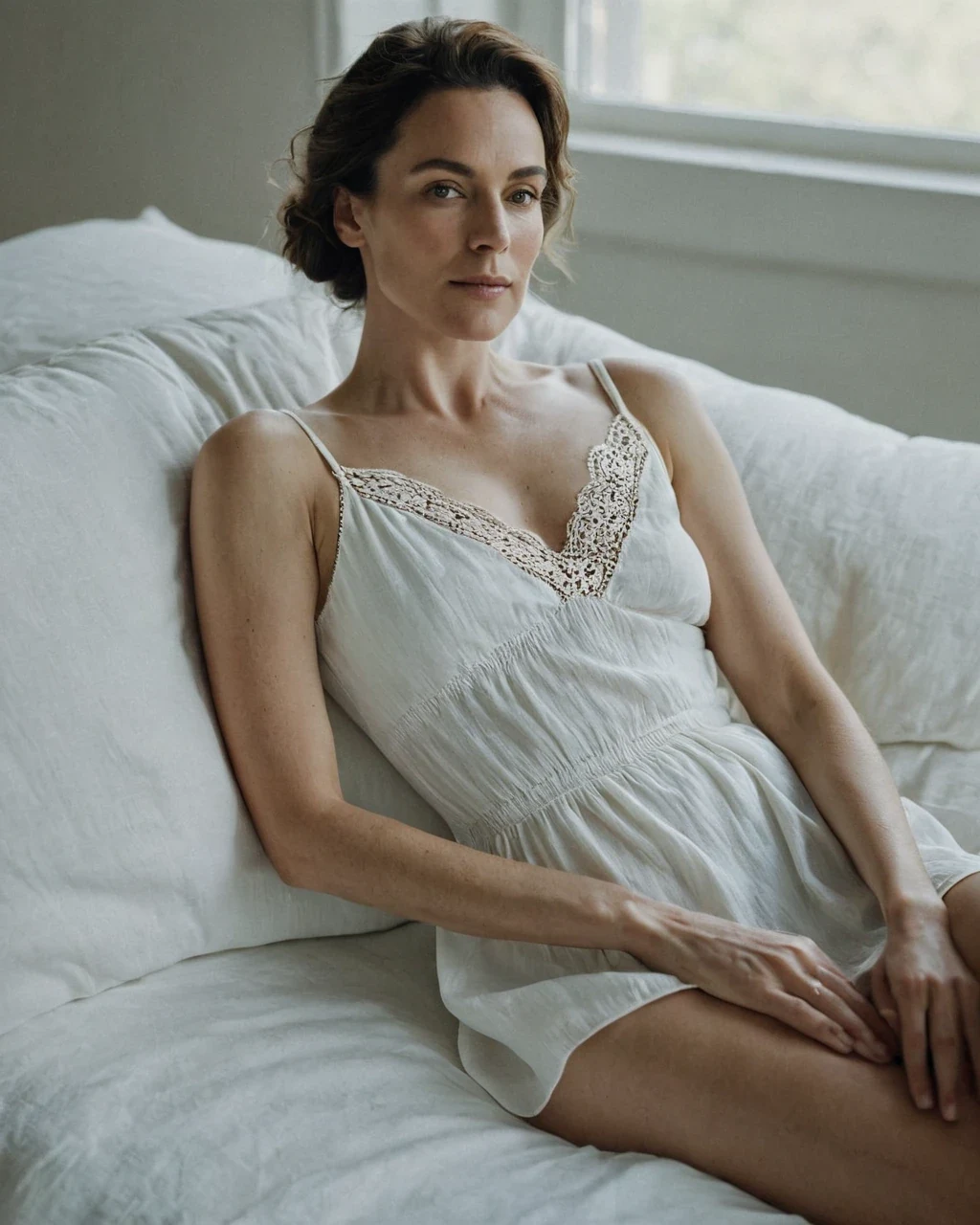
The fastest way to learn photographic direction is to take apart a photograph that already works. This returns the light, the lens and the framing in words you can reuse on your own casting. It does not, and should not, hand back the person. Take what it gives you into the studio.
Read it to learn the light
The valuable output is the technical half - The part a photographer would name.
- Light - Direction, hardness, colour, how many sources.
- Camera - Distance, height, roughly what lens.
- Palette and finish - Warm or cool, contrast, grain.
What it gets right and wrong
Knowing where it is weak is what stops you trusting the wrong half.
| It reads | How well |
|---|---|
| Light direction and hardness | Very reliable |
| Camera distance and framing | Reliable |
| Palette and finish | Reliable |
| Wardrobe and materials | Usually good |
| Identity and likeness | Vague, by design |
| Limb and hand anatomy | Not reliable at all |
Using what it hands you
Take the technical clauses, drop the rest, and put your own casting in front.
- Keep the light and lens lines. They transfer perfectly.
- Replace the subject description with your own anchors - See holding one model.
- Never paste the whole output back in. You will render a near-copy of someone else's frame, which is not what this is for.
Worked example: reading a reference you admire
| Input | Any image you have rights to use |
|---|---|
| Returns | Prose description plus tags |
| Cost | 5 credits |
| Next step | Keep the light and camera, drop the subject |
The exact instruction
describe composition, light direction and quality, palette, rendering style, and the photographic keywords a model would recognise
What comes back
You get words for things you could see but not name. Take the lighting and camera sentences into your own prompt. Drop the character description - That belongs to someone else's work.
When it goes wrong
| What you see | Why | What to change |
|---|---|---|
| The description is vague | Source image is low contrast or cluttered | Crop to the part you actually want to understand |
| It named no useful tags | Style sits outside the training vocabulary | Compare against the tag index |
| I wanted editable fields | This returns prose | Read it for structure and rewrite it in the studio |
Image to Prompt: common questions
Does image to prompt reproduce the original photograph?
No. It returns a description, and running it produces something in the same lighting and framing with a different person. Likeness is deliberately not recoverable.
Can I run it on my own work?
Yes, and it is the best use - Recovering the recipe for a frame you liked but did not write down.
Why is the description of the person so vague?
Because identity is the one layer it will not pin down. That is a safeguard, not a limitation to work around.
Can I use it on a photograph of a real person?
No. Real-person likeness is refused throughout - See the consent standard.
Where to go next
This tool is usually used alongside how to structure the result and the tag vocabulary.