Outfit Studio: Change clothes on a photorealistic AI character
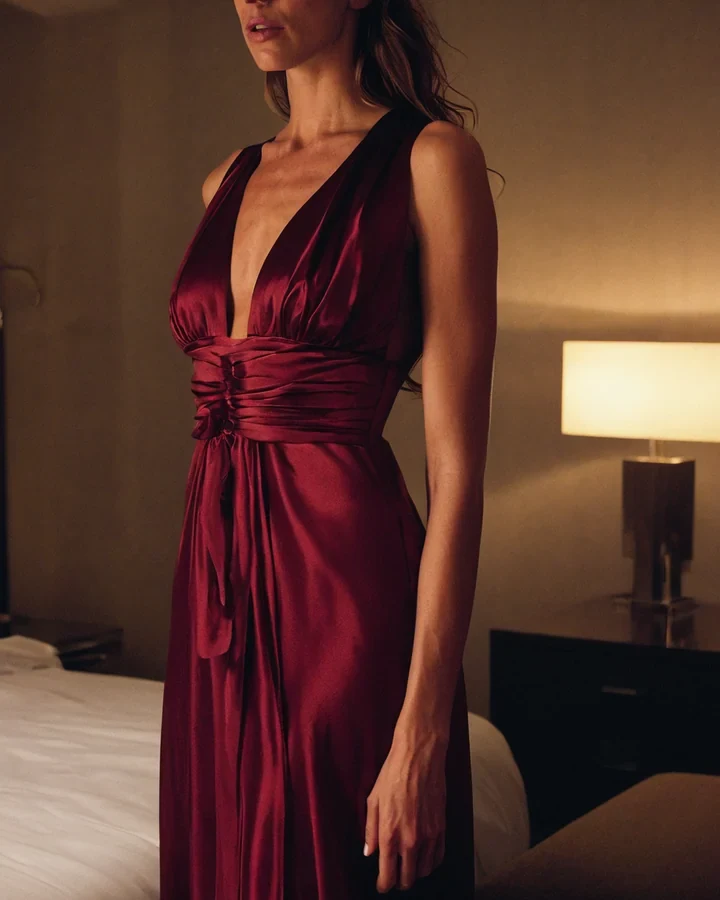
A stock buyer licensing a set wants the same woman in three wardrobes, not three women. This holds the casting and swaps the clothes. The one thing that separates a convincing garment from a painted-on one is how you describe the cloth, so start there and finish in the studio.
Describe the cloth, not the colour
"Red dress" gives the model nothing to render. Weight, weave and drape give it everything, and they are what a camera actually records.
- Weight and weave - "heavy raw silk", "fine merino", "stiff waxed cotton".
- Construction - Seams, darts, a visible zip, a rolled hem, boning.
- How it sits - "skims the hip", "pools at the elbow", "pulls across the shoulder".
| Wording | What the model does with it |
|---|---|
| Red dress | Almost nothing - A flat red shape |
| Red silk dress | Some sheen, still shapeless |
| Bias-cut crimson silk that pools at the hip | Drape, seam line, real fall |
| Leather jacket | A generic outline |
| Cracked black leather, zip open to the sternum | Grain, hardware, wear |
What stays put
Everything that makes this cheaper than a re-render is deliberately held.
- Face, hair and body stay. That is the casting you already paid for.
- The pose stays. Change it with the pose tool instead.
- The room and the light stay. Move her with the scene tool.
Wardrobe is characterisation
In stock photography the clothes carry the brief. The same model in a wool coat and in a slip licenses to two different buyers, which is exactly why holding the face matters.
- Shoot one casting across three wardrobes and you have a set, not three singles.
- Keep the seed and anchors - See holding one model.
- Upscale once, at the end, with the upscaler.
The same pose, three wardrobes
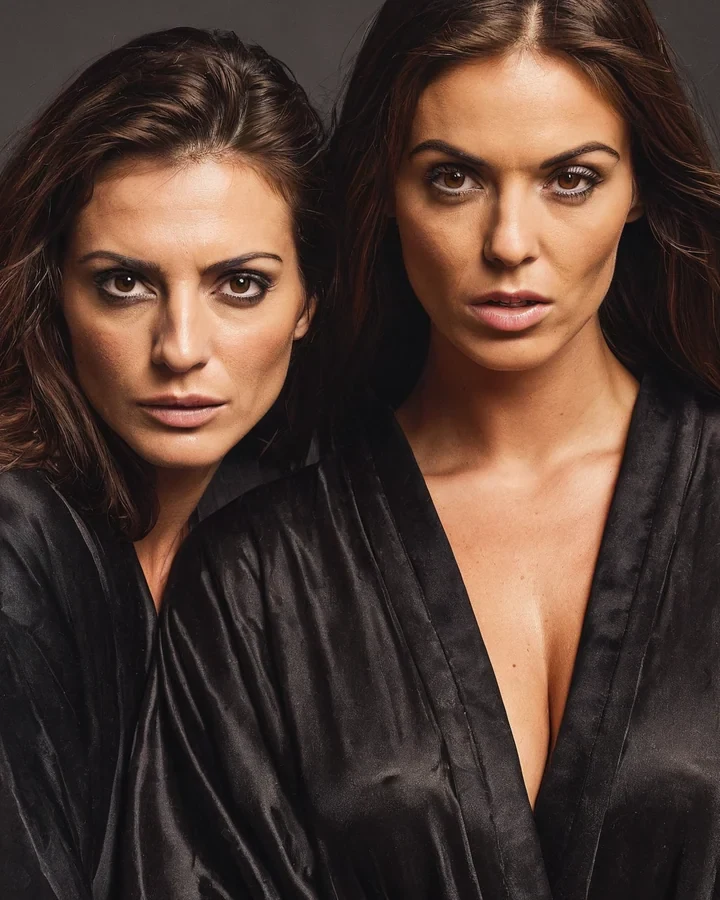
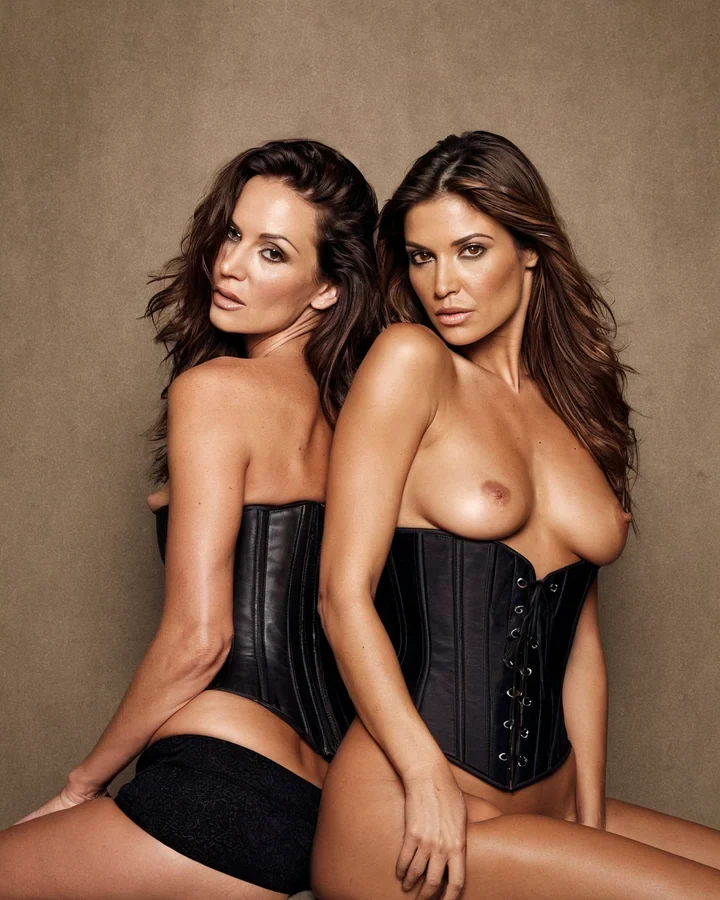
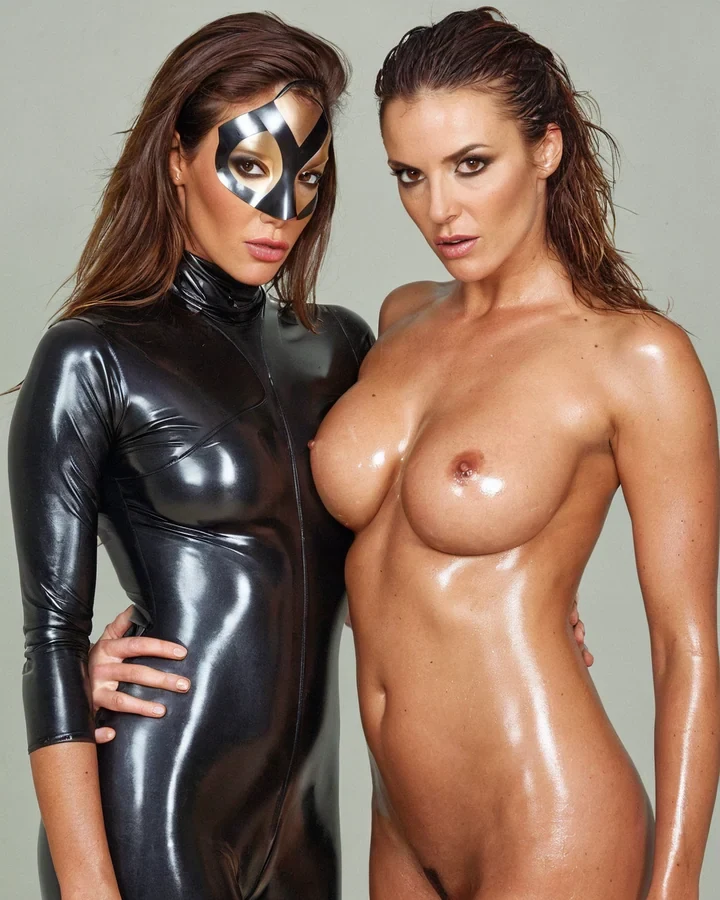
Example results in the style this tool produces, not a single verified before-and-after run.
Worked example: swapping a coat for structured silk
| Input | A character with a pose you like |
|---|---|
| Preserved | Face, pose, background, crop |
| Cost | 5 credits |
| Key detail | Name the material |
The exact instruction
replace the coat with a bias-cut ivory silk slip dress, thin straps, visible seam construction, thin gold chain at the collarbone, keep face, pose, lighting and background unchanged
What comes back
Bias-cut silk falls differently from jersey, and saying so changes the drape, the highlights and the silhouette. 'A white dress' would have returned an average garment.
When it goes wrong
| What you see | Why | What to change |
|---|---|---|
| Fabric looks flat and plastic | Colour named, material not | Say silk, denim, wool, latex |
| The silhouette is wrong | Fit was not specified | Add tailored, relaxed, oversized or bias-cut |
| Accessories were ignored | Buried at the end of a long instruction | Name them in their own clause |
Change clothes on a photorealistic AI character: common questions
Will changing the outfit change the pose?
No. Pose, face, body and room are held. Only the garment is replaced, which is what makes this cheaper and safer than rendering the look again.
Can I add jewellery or accessories?
Yes, and they work best named as objects with materials - "a single brushed silver cuff" rather than "accessories".
Why does my fabric look flat and painted on?
Because the brief named a colour and not a cloth. Add weight, weave and one line about how it hangs, and the same prompt renders properly.
Can I change from clothed to lingerie?
Yes. Describe the garment the same way - Lace type, strap width, where it sits - And it renders with the same fidelity as outerwear.
Where to go next
This tool is usually used alongside define the character, adjust the face, change the setting and lingerie stock.