Adult AI Photo Upscaler: Print-size renders with edges intact
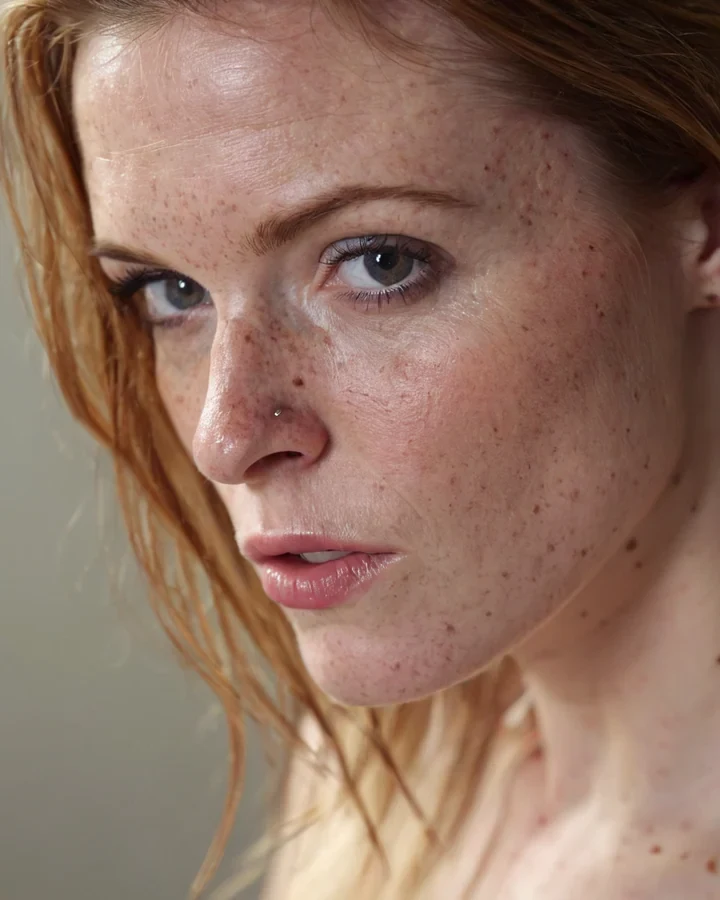
Ordinary enlargement invents the pixels in between and hands you a bigger, softer photograph. This rebuilds the edges. That difference is invisible on a phone and obvious the moment a buyer opens the file at full size or sends it to print. Finish the picture in the studio first.
What it can and cannot recover
It reconstructs detail that is present but small. It cannot invent detail the render never captured.
- Works: fabric weave, hair strands, pores, jewellery, catchlights in an eye.
- Fails: a face that was already soft, or anything behind heavy bokeh.
- Never: a JPEG that has already been re-saved. Upscale the original PNG.
Picking a scale
Match the scale to where the photograph is going, not to how big it can be.
| Scale | From 1024x1280 | Suited to |
|---|---|---|
| 2x | 2048x2560 | Web licensing, large screens |
| 4x | 4096x5120 | Print, editorial spreads, cover use |
Why it goes last
An upscaled file is harder for every other tool to work on, and each re-run costs another five credits. Settle the wardrobe with the outfit tool, the room with the scene tool, then enlarge once.
- Edit at 1024x1280, where the model has the easiest job.
- Crop before enlarging. A crop after enlarging throws away what you paid for.
- One upscale per finished photograph. It is not an iterative step.
Edge detail at full size
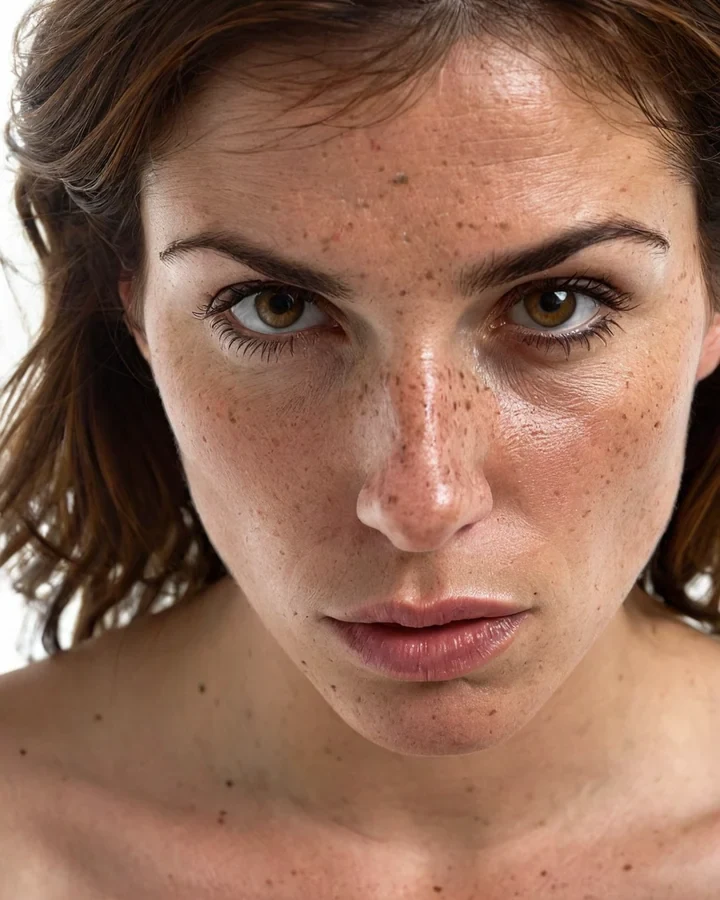
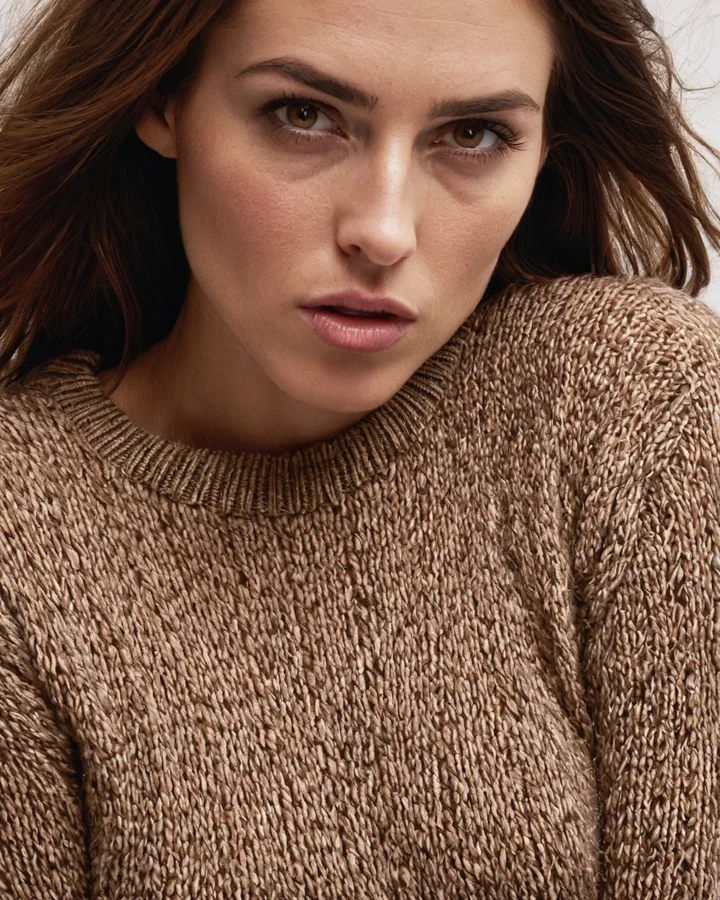
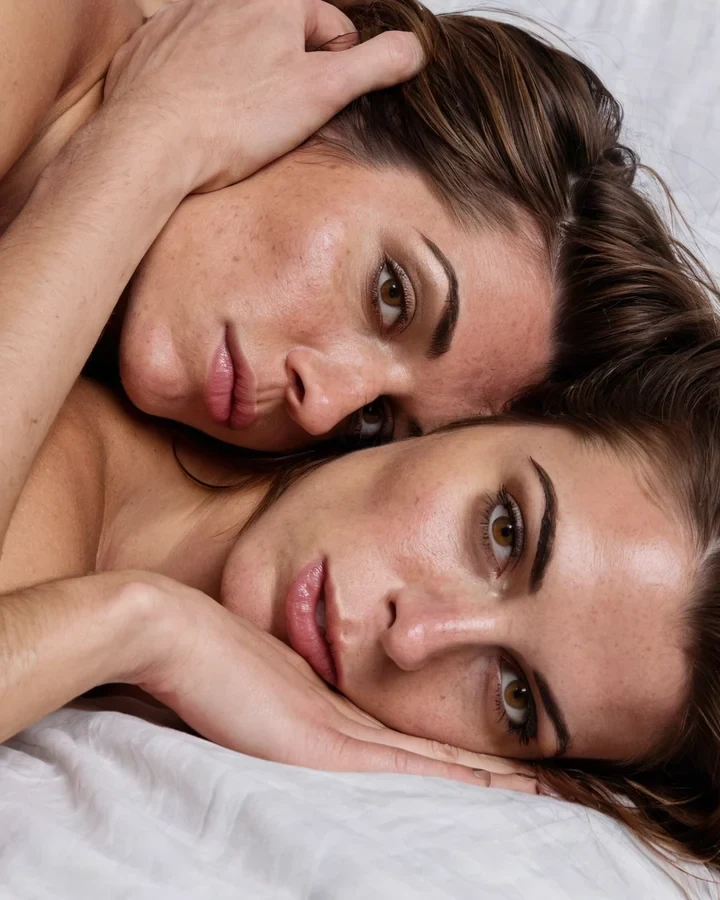
Example results in the style this tool produces, not a single verified before-and-after run.
Worked example: a finished 1024x1280 portrait taken to print size
| Input | 1024x1280 PNG, already edited |
|---|---|
| Scale | 4x -> 4096x5120 |
| Cost | 5 credits |
| Order | Last step. After every edit |
The exact instruction
upscale 4x, reconstruct edge detail, preserve flat lighting and flat colour areas, do not add detail that is not present
What comes back
Edges are regenerated, not stretched, so lines stay crisp at full size. Flat colour stays flat. A normal resize would leave it blotchy.
When it goes wrong
| What you see | Why | What to change |
|---|---|---|
| Output looks sharpened, not rebuilt | Source had JPEG artefacts | Upscale from the original PNG, never a re-saved JPEG |
| Still blurry at 4x | Detail was never captured | Regenerate larger in the studio instead |
| Edits after upscaling look wrong | Editing models work harder at 4K | Edit first, upscale last |
Adult AI Photo Upscaler: common questions
Will the AI photo upscaler fix a blurry photograph?
No. It rebuilds detail that is faintly present, so it sharpens a soft edge but cannot invent a face that was never resolved. Re-render that one instead.
Which scale should I license at?
2x for screen and web use, 4x for print. There is no quality reason to pick 4x for a web thumbnail, and it costs the same five credits either way.
Can I edit a photograph after upscaling it?
You can, but the editing models work harder at that size and hold identity less well. Do the edits first and enlarge once at the end.
Does it change the picture at all?
It should not. Composition, colour, crop and identity all stay; only resolution moves. If content changed, the source was a re-saved JPEG.
Where to go next
This tool is usually used alongside generate at higher resolution instead and fitness model detail.