AI image editing tools for work you have already started
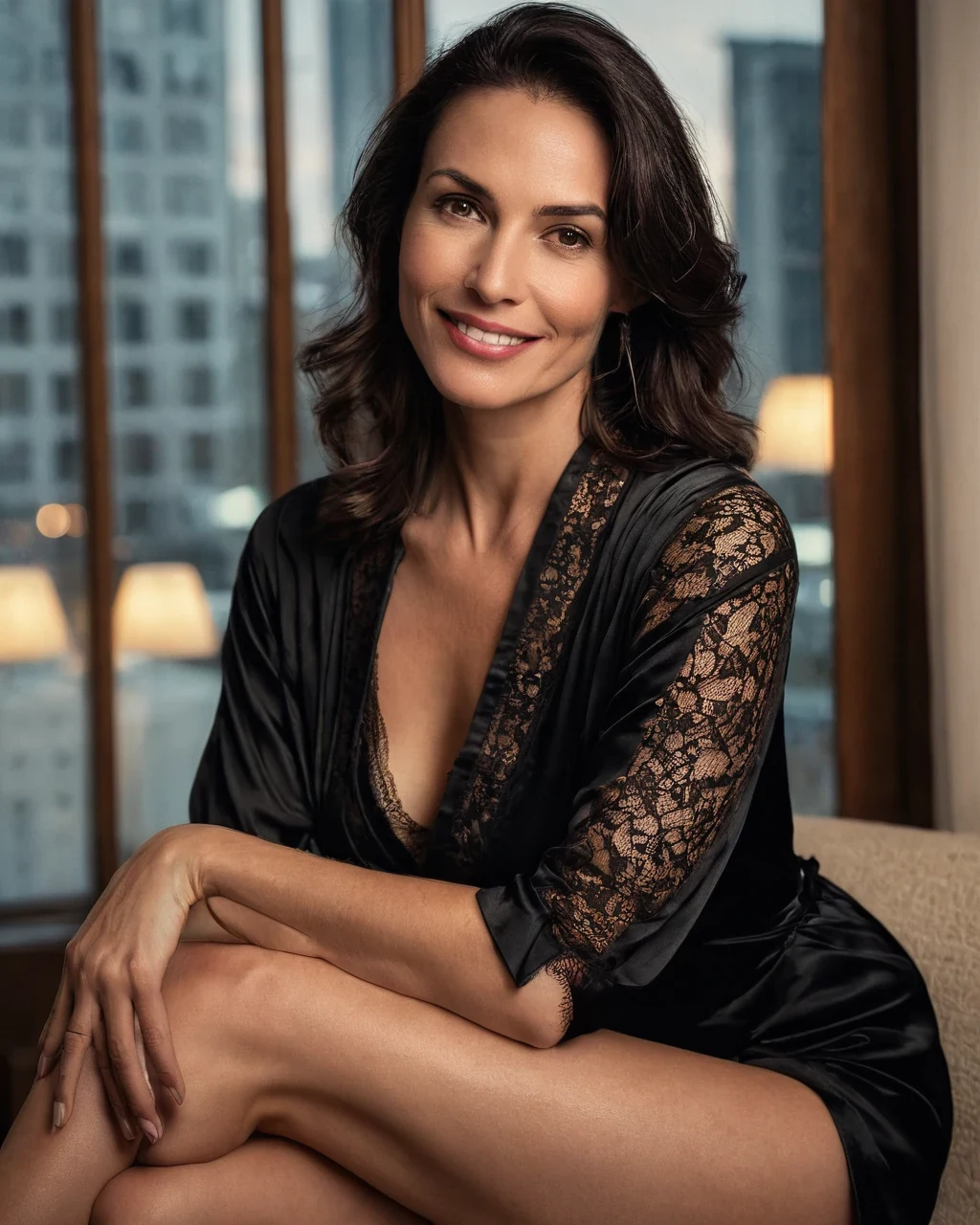
The expensive mistake is re-rendering when you wanted to change a jacket. A new render is a new casting call; an edit keeps the person you already paid for. Work out which one thing is wrong, fix that, and leave the rest of the frame alone. Build the frame first in the studio.
Pick by what is wrong
Four groups, sorted by what they actually change.
The person
Outfit, Expression and Pose change wardrobe, face and body while holding the casting.
The surroundings
Scene moves her somewhere new. Object remover deletes a distraction. Canvas expander paints past the frame.
The finish
Restyle changes light, palette and grain. Upscaler rebuilds detail for print.
Working from a reference
Image to prompt reads a photograph back as a brief you can reuse.
What each costs
The split is simply whether a model has to run.
| Tool | Runs | Cost |
|---|---|---|
| Background remover | Our server, no model | 1 credit |
| Crop, resize, compress | Our server, no model | 1 credit |
| Upscale, restyle, scene, outfit | A model | 5 credits |
| Expression, pose, object, expand | A model | 5 credits |
| Image to prompt | A model | 5 credits |
The order that saves money
Composition first, then the person, then the finish, and enlarge last. Getting this backwards is the most common way to waste credits here.
- Settle the crop and the room before touching wardrobe or expression.
- Do every model-backed edit at 1024x1280, where the model works best.
- Upscale once, at the very end. Editing an enlarged file costs more and holds worse.
AI image editing tools for work you have already started: common questions
Do the editing tools cost credits?
Yes, and each page states its own. Local tools are one credit; anything a model runs is five.
Will editing change my model's face?
The tools hold identity by design - That is the reason to edit rather than re-render. Large changes carry more drift than small ones.
Which tool should I reach for first?
Whichever fixes the biggest problem. If the composition is wrong, no amount of restyling will rescue it.
Can I run several tools on one photograph?
Yes, and that is normal. Follow the order above and enlarge only once, at the end.
Where to go next
Continue with generate something first, upscale a finished piece, pick a focused generator, what tools cost and keeping a character consistent.