Save a character, and use the same face again
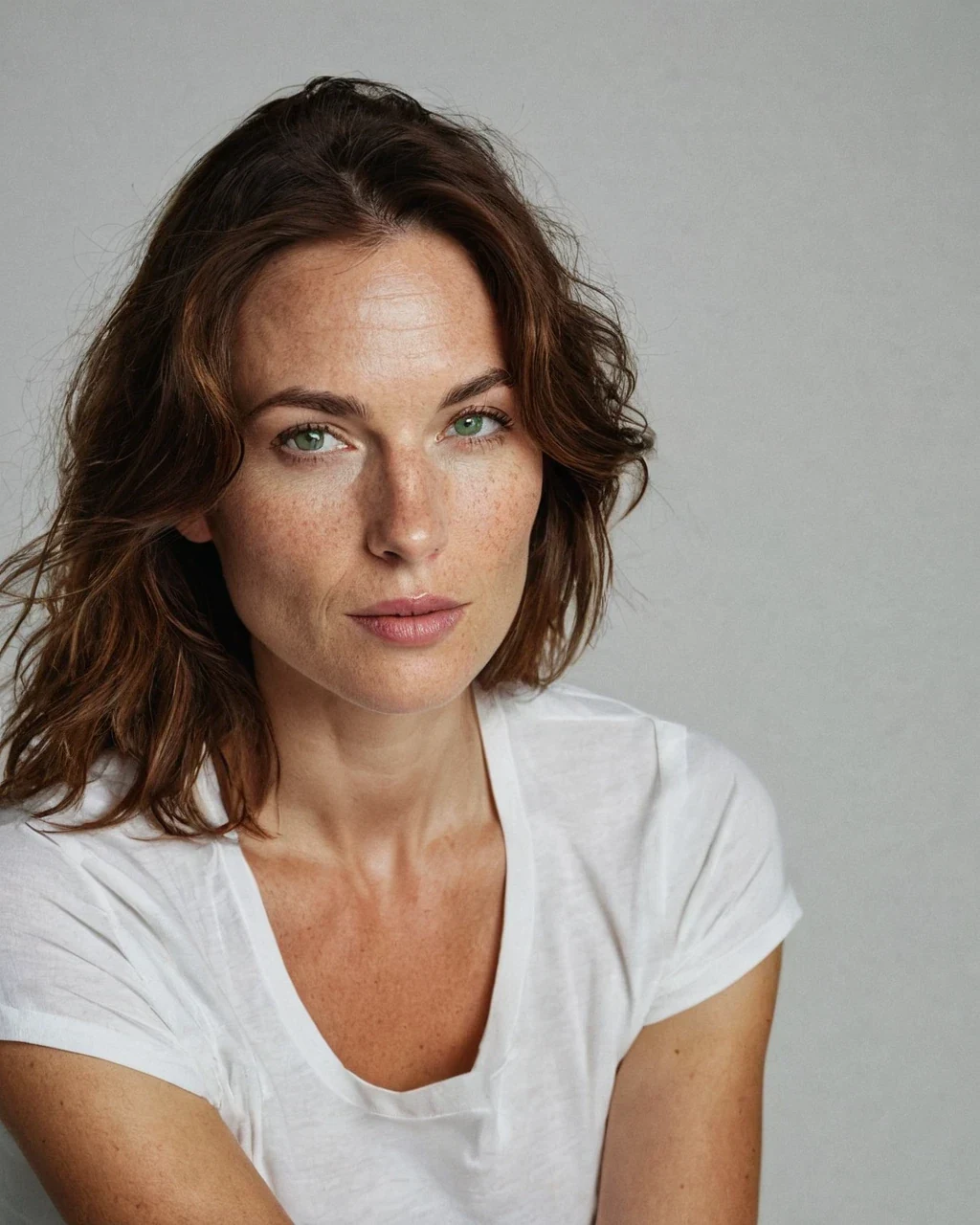
Most AI images are strangers. Ask for the same woman twice and you get two different people, which makes a series impossible. A saved character fixes the part that has to stay fixed, her face, and leaves the scene free to change. Start one from any render in your history, then select her in the studio.
What a saved character stores
Three things, and none of them is the picture itself.
Features read from your reference
Hair colour and length, eye colour, skin tone, face shape and any marks. They are stored as words, because words are what an image model reads.
The traits you typed
Her age, build, a scar, a hairstyle she always wears. Yours lead and the read features follow, so you can always overrule the reader.
An adult clause you cannot remove
Every character carries an age-28-and-over clause that survives later edits, so she stays unambiguously adult however the traits change.
How the same face survives a new scene
Three passes run in a fixed order every time you select her.
- Capture. Her reference image is read into written features once, when you save her.
- Compose. Those features are placed at the front of your prompt, ahead of your scene direction, because the earliest words carry the most weight.
- Match. The finished render gets a second pass that conforms the face and hair back to her stored features.
| Pass | What it fixes | When it cannot help |
|---|---|---|
| Capture | Turns a face into words | A turned, shadowed or covered face |
| Compose | Keeps hair, colouring and build steady | A scene prompt that contradicts her |
| Match | Pulls the final face back on model | A shot where her face is not visible |
What carries, and what drifts
Being honest about this is more useful than a promise. Recognition is carried by a few strong anchors, not by pixel-level sameness. It works the same way you recognise a friend across two photographs taken years apart.
| Feature | Holds across scenes |
|---|---|
| Hair colour and length | Very well |
| Skin tone and colouring | Very well |
| Face shape and bone structure | Well |
| Freckles, marks, scars | Usually |
| Exact wardrobe | Only if you re-state it |
| Fine detail of the mouth and eyes | Small drift is normal |
Four habits that get the closest match
None of these takes longer than a few seconds.
Save her from a clear, front-facing render
The reader can only describe what it can see. A face turned away, in deep shadow or behind hair saves a weak reference, and every later render inherits that weakness.
Leave her features out of your scene prompt
Do not re-type hair, eye or skin descriptions. If your scene says blonde and she is auburn, the render matches neither. Write only what changes: place, light, wardrobe, mood.
Keep her face in the frame
Close and medium shots match far better than a from-behind or full-length wide, because the matching pass needs a face to work on.
Re-save her if she drifts
If a render finally nails her, save that one as the new reference. A character is allowed to get sharper over time.
Save a character, and use the same face again: common questions
How many characters can I save?
Twenty-five per account. Delete one to make room for another; deleting a character never touches the images you made with her.
Will she look identical in every image?
No, and no AI tool can honestly promise that. Hair, colouring, build and bone structure carry reliably. Small drift in fine facial detail between renders is normal and readers do not notice it while the strong anchors hold.
Is a saved character private?
Yes. Characters are stored against your account and are never shown on your public profile or in the gallery.
Do I need a paid plan?
Saving and deleting characters is free. Selecting one in the studio is a paid creator feature. Compare the plans to see which include it.
Can I base a character on a real person?
No. References must be synthetic renders, not photographs of real people. The consent standard explains where the line sits and why it is enforced.
Where to go next
Continue with select a character in the studio, the full consistency guide, start one from a render, what a creator plan costs and the consent standard.